What is AI Halloween Costume?
Create a still Halloween costume portrait by combining a person, an outfit description and a setting. Try it for testing a costume before a shoot, with your own setting and a clear visual intention.

a practical portrait or design study
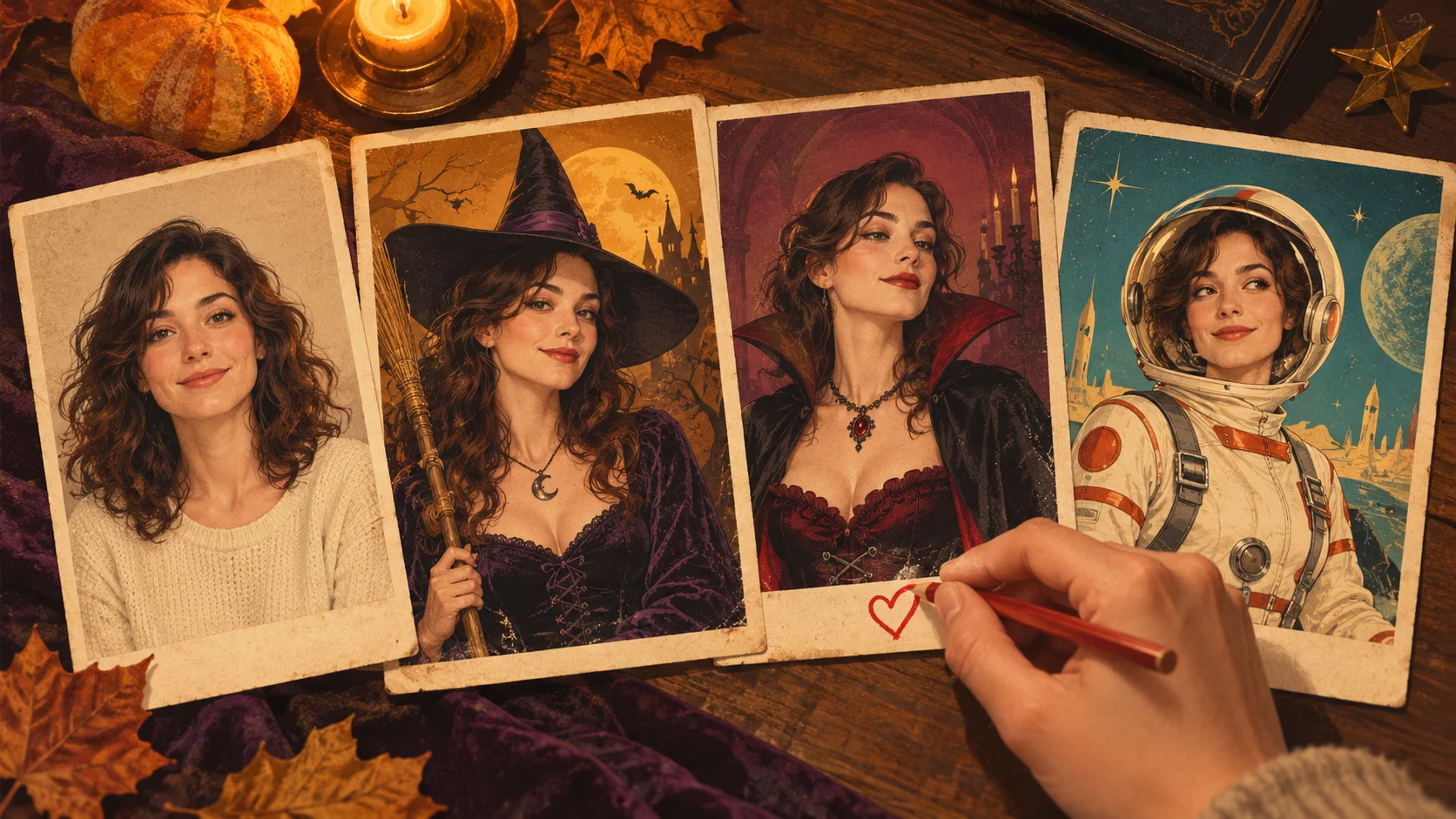
Create a still Halloween costume portrait by combining a person, an outfit description and a setting. Try it for testing a costume before a shoot, with your own setting and a clear visual intention.
Choose Text to Image or Image to Image, prepare the matching inputs and describe one useful direction. Check the settings and quote, then submit and review the result in History.
Check your current account credits and the selected model’s access conditions. When the available balance covers the quoted job, you can generate without buying more credits.
Upload one evenly lit adult portrait in Image to Image. Include the shoulders for a close costume portrait, or show more of the body when the cloak or skirt matters.
Read the live credit quote for the selected model and settings before submitting your costume portrait. Preparing inputs or editing a description does not start a generation.
Follow the submitted job’s estimate and progress. The model, settings and queue affect waiting; History keeps the completed image available for review and download.
Create a still Halloween costume portrait by combining a person, an outfit description and a setting. Choose a witch, vampire, retro explorer or an original character. On Try Nano Banana, approach it as a practical portrait or design study: clear preparation and a polished visual finish. Use the result to choose a direction, then check the details that matter at your intended viewing size.
Create an AI Halloween Costume portrait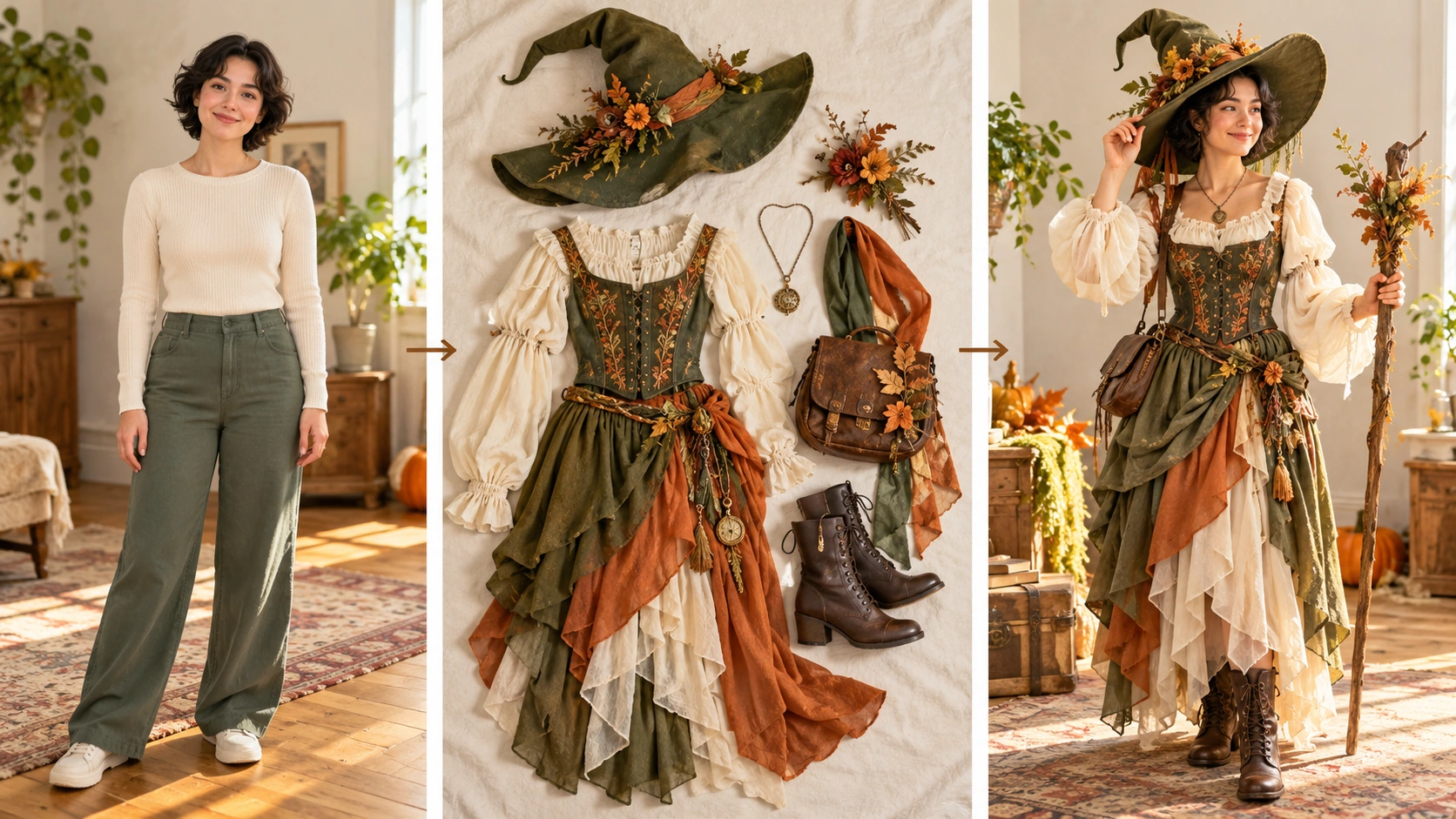
Prepare a clear subject and a focused direction before submitting a generation. Use a well-lit adult photo where the face is clearly visible and the background is simple.
Pick witch, vampire, retro space explorer or an original character. Write an editable prompt that names the costume, mood and framing. Use the model controls to match your intent, and read the displayed live credit quote before starting. The quote is shown up front, so you can decide before spending.
Start the generation job, then open History to review the still image. Compare it against your reference and prompt. Check the costume reads clearly, the face is plausible and the framing suits your use. If not, adjust the prompt and try again, or stop and keep the version you have.
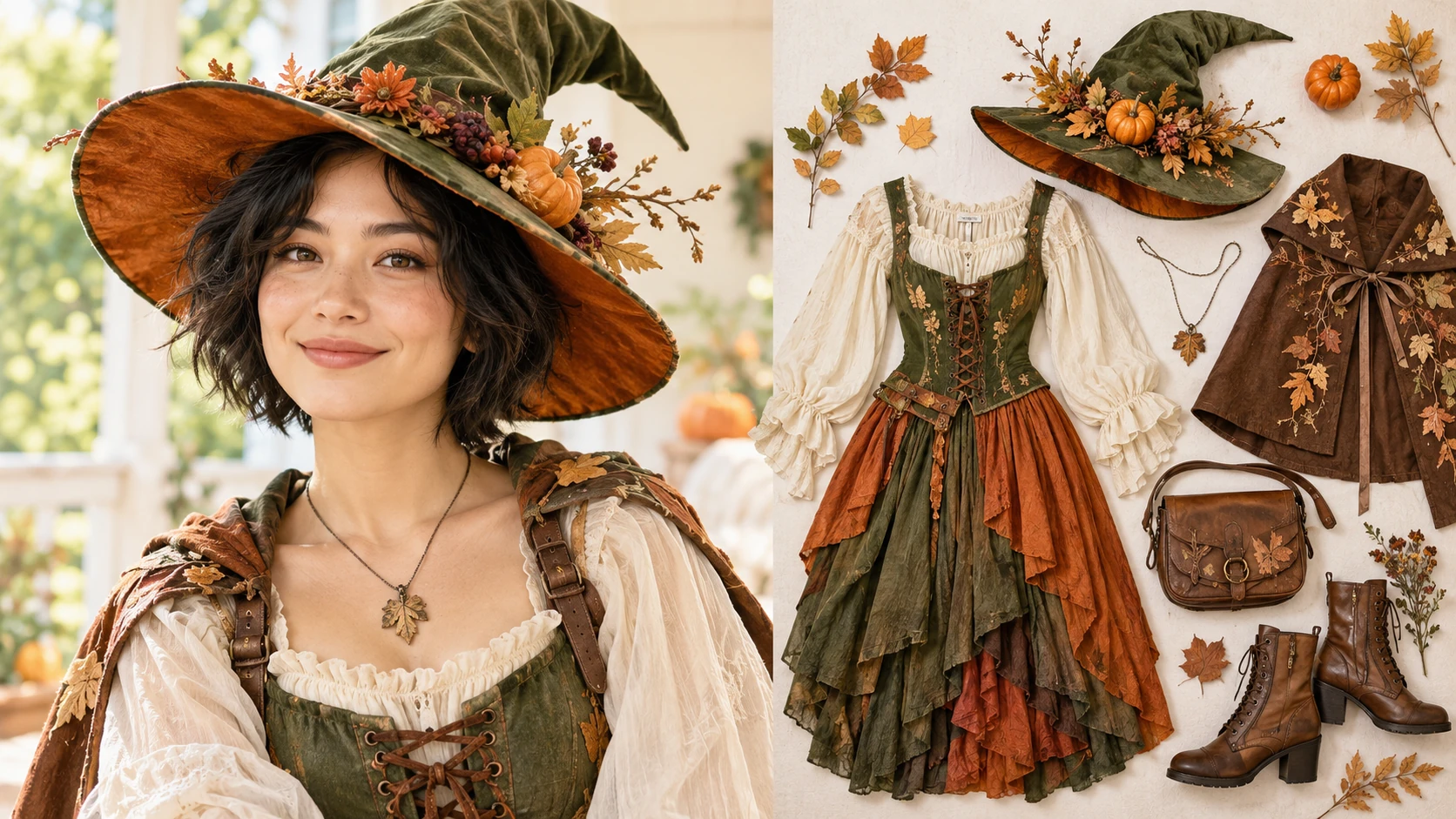
Choose a single adult photo with a visible face, even lighting and minimal clutter. Clothing and face may vary in the output, so pick a reference you can describe plainly. Note details you want kept, such as hair shape or glasses, and details you accept changing, such as the outfit.
The result is one still image, not a costume-transition video. You get an adult portrait edited toward a chosen costume direction. That makes it useful for a post, a mood board or a visual test. Plan around a still, and do not expect motion or a sequence of frames.
You write and revise the prompt, and the model controls let you steer the result. Clothing and face may vary between attempts, so keep a clear reference and specific wording. Small prompt changes can shift costume detail, lighting or framing. Review each attempt instead of assuming consistency.
Generation jobs and History let you return to earlier attempts and compare versions. Use History to judge which direction worked and which prompt wording helped. This supports an editorial review: keep the version that fits your plan, and set aside attempts that miss the brief.
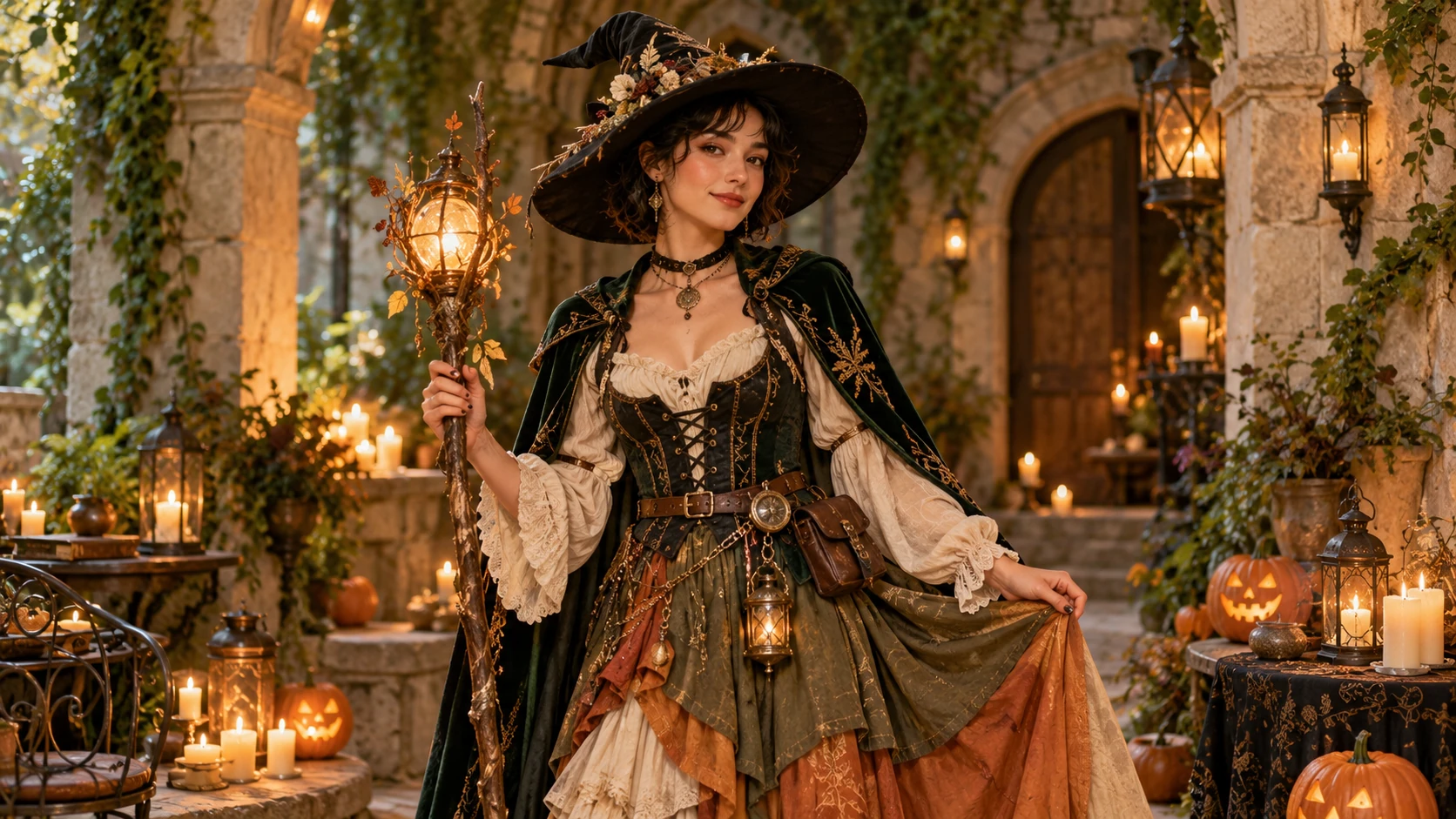
A creator planning a Halloween shoot can generate a witch or vampire portrait first. The still image helps test whether a costume direction suits the person and the intended mood before buying or borrowing anything.
An illustrator or streamer can describe an original character costume and generate a portrait. The result serves as a visual reference for a post, banner or mood board, with the prompt kept alongside it for later revision.
A social creator can compare several attempts in History and choose one portrait for a post. Review the face, costume clarity and framing first. Then decide whether to share, revise the prompt or keep the image private.
It produces one still image based on your adult photo and prompt. The result is an edited portrait in a chosen costume direction, not a costume-transition video. Treat it as a visual draft for review and possible sharing.
Use a single adult photo with a visible face and even lighting. Clothing and face may vary in the output, so choose a reference you can describe clearly. A simple background and a clear view of the head and shoulders help the review.
Yes. The prompt is editable, and model controls are available. You can describe a witch, vampire, retro space explorer or an original character, then adjust wording and settings between attempts. Review each result in History.
No. This page creates a still image only. It does not produce a costume-transition video or an animated sequence. Plan your review and sharing decisions around a single portrait rather than motion.
Choose Text to Image for a new costume portrait made entirely from your description; it uses no uploaded reference. Choose Image to Image when one photo should guide the person, subject or composition. Select the mode first so the visible inputs match your intention.
You can prepare the costume portrait before submitting. To generate, check your signed-in account’s current credits and the selected model’s access conditions. If the available balance covers the displayed quote, you can proceed without buying more; no fixed free quota is promised.
Your costume portrait has a live credit quote based on the model and settings you choose. Check it before submitting. Editing the description or reviewing an idea does not start a job; submitting another generation creates a separately quoted attempt.
Use the estimate and progress shown for the submitted costume portrait job. Model choice, settings and queue conditions affect waiting. Check History for the completed image, and keep the existing task in progress instead of resubmitting the same request while you wait.
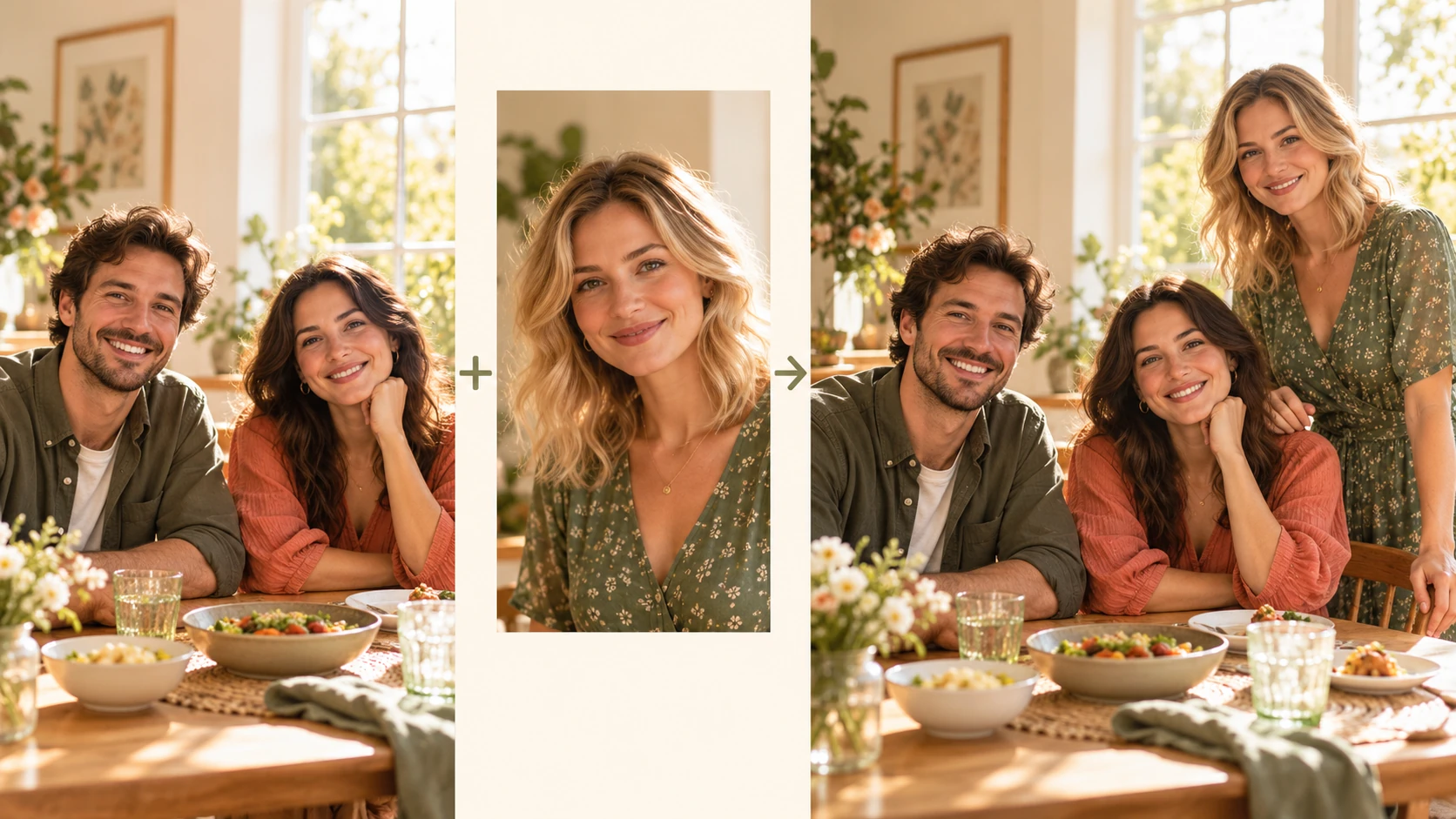
Explore Add People To Photo for a different visual direction. This guide explains its input, practical steps and the details to review.
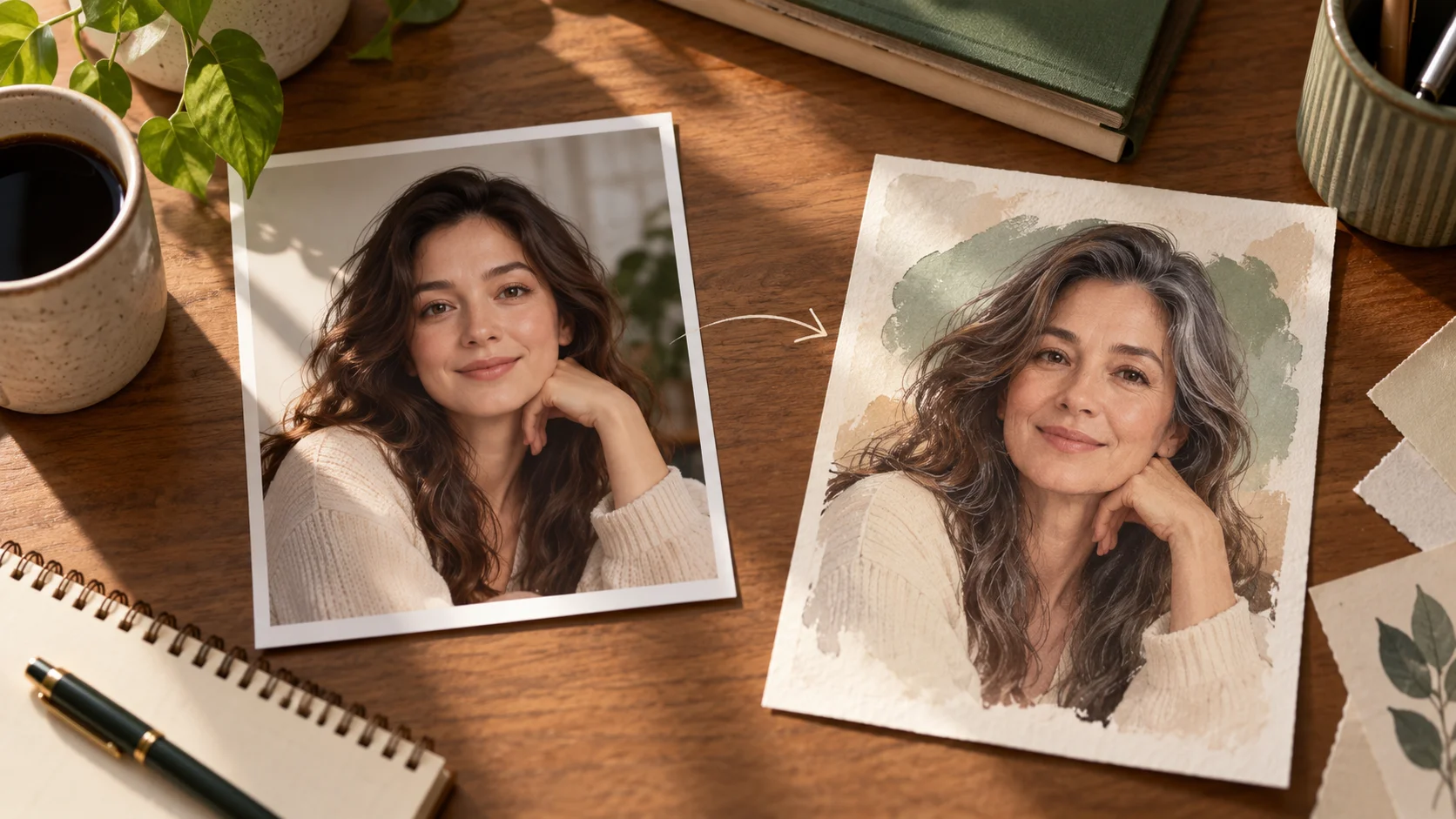
Explore AI Age Checker for a different visual direction. This guide explains its input, practical steps and the details to review.
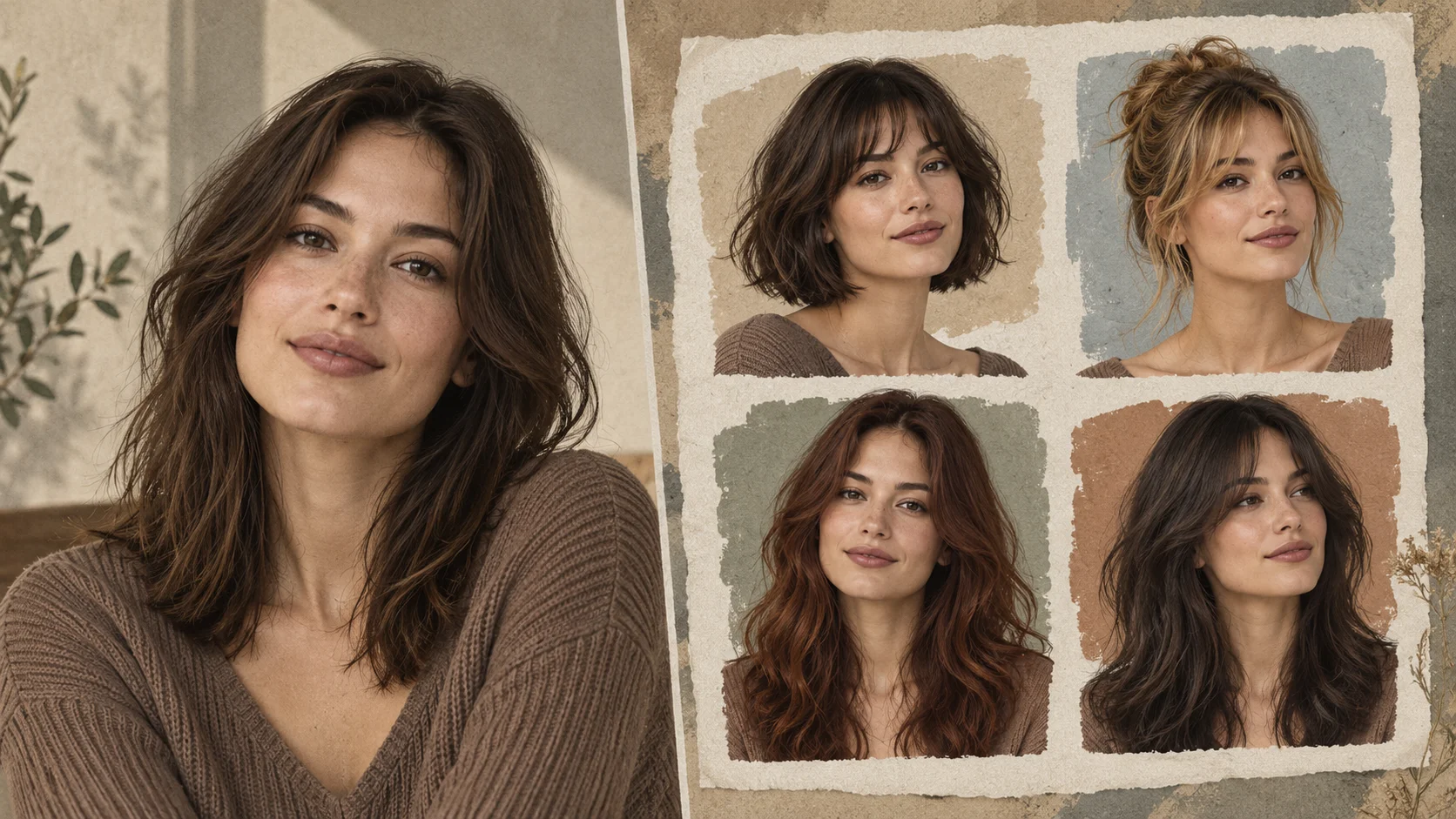
Explore AI Hairstyle Online Free for a different visual direction. This guide explains its input, practical steps and the details to review.
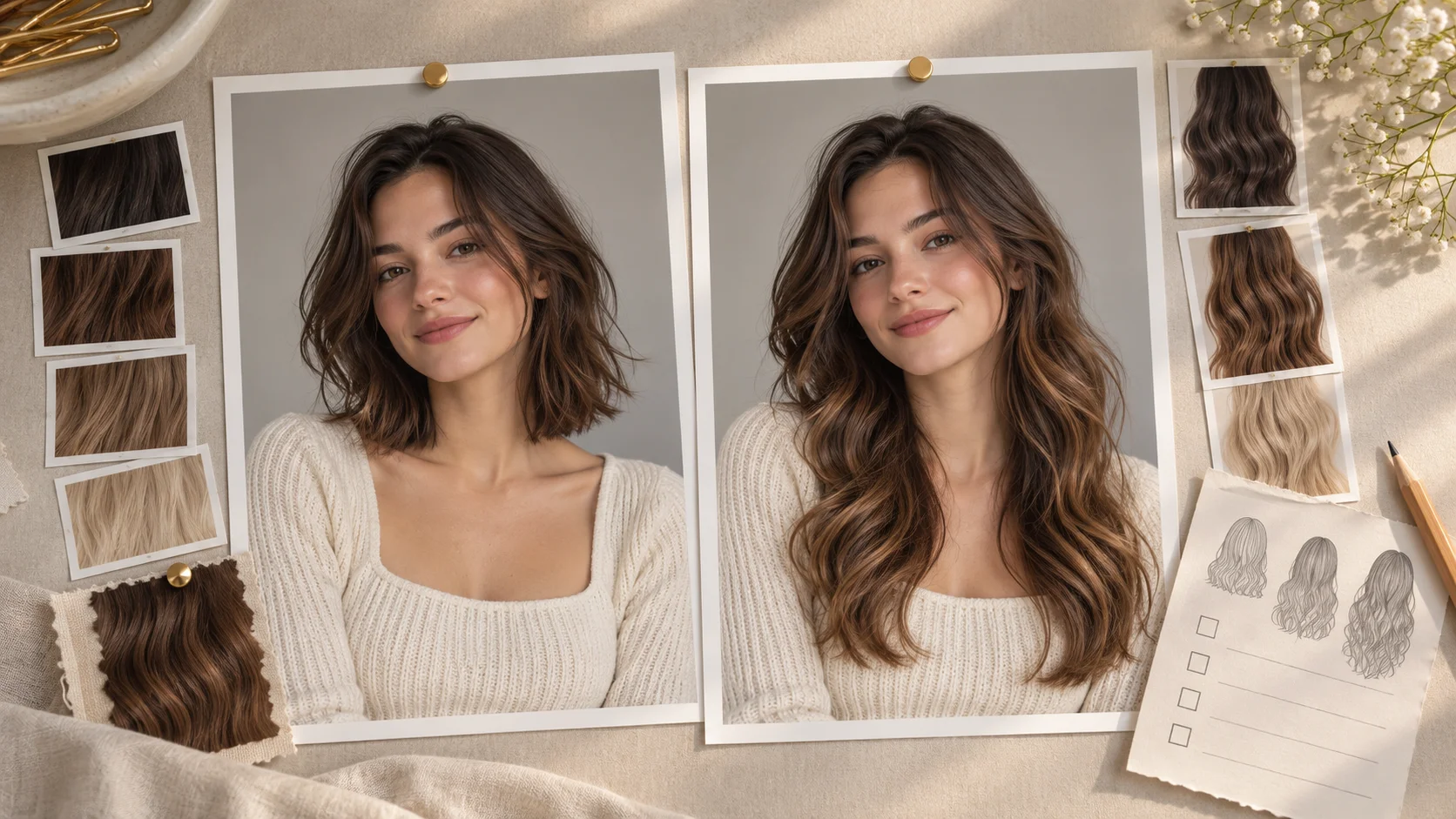
Explore AI Long Hair Filter for a different visual direction. This guide explains its input, practical steps and the details to review.
Use the result to choose a direction, then check the details that matter at your intended viewing size. Prepare the costume portrait, read the current quote and submit when the direction is clear.
Create an AI Halloween Costume portraittry-nanobanana.com · Updated