A character personality test
Explore how posture and small movements change the impression of your character.

TRY NANO BANANA MOTION GUIDE
Loading history…
Use a Doja Cat Juicy AI dance theme to develop an original character scene. Add one clear person image and describe a few simple movements; an optional uploaded video can provide additional guidance. The bright studio concept keeps the face and body easy to follow. A named theme does not include the original track or an exact routine.
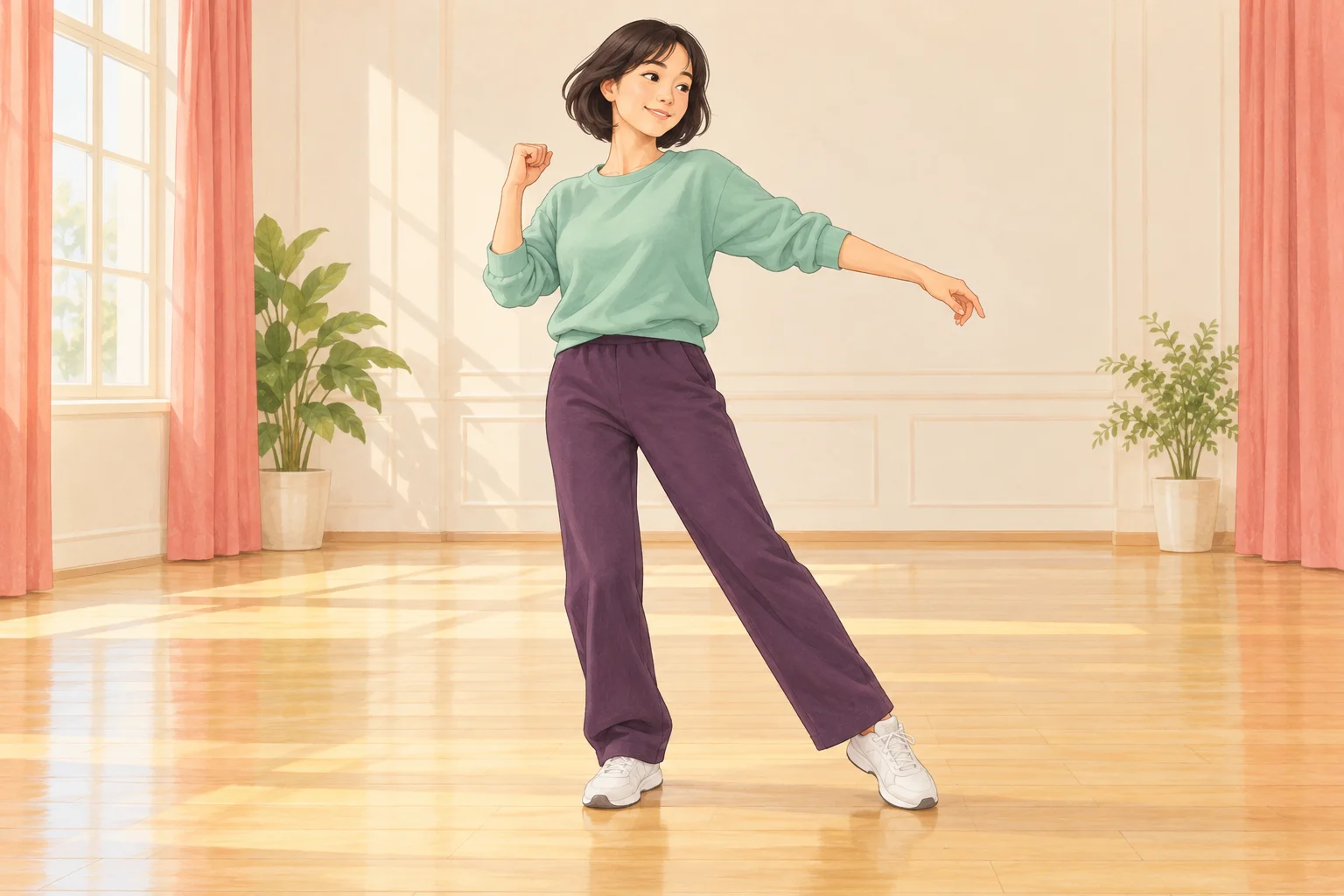
A short dance can establish personality through posture and rhythm. Decide whether your character feels relaxed, energetic or a little hesitant before describing the room. A simple movement goal helps you judge whether the generated scene expresses the intended mood.
The mint-and-violet concept uses a cream studio and coral curtains as a quiet backdrop. The colors belong to the scene, while the face remains its focus. Treat the illustration as a planning idea. The actual request uses your chosen image, text and any accepted video you deliberately add.
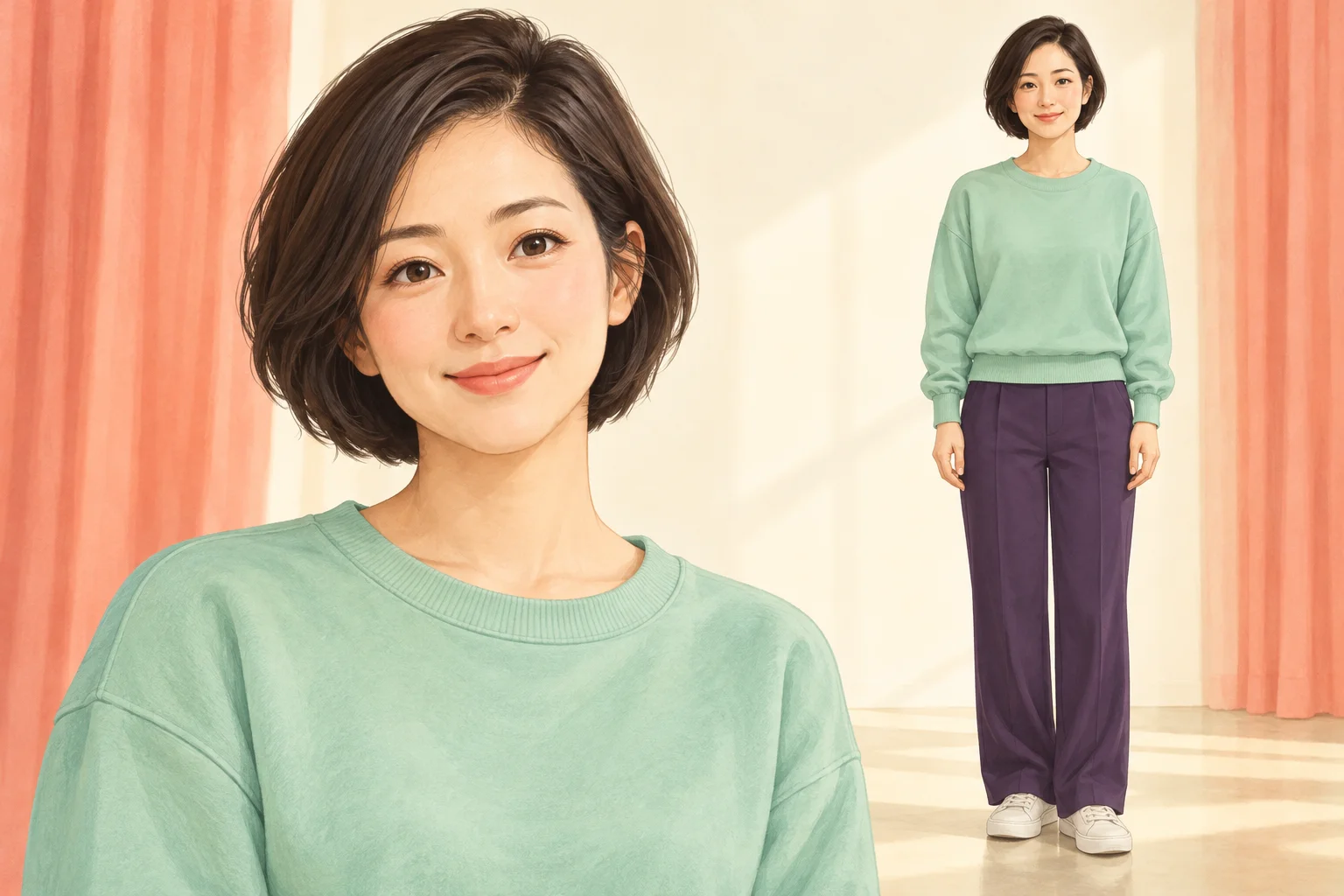
Choose a single character view with readable facial features. A real person photo or a coherent original character image should communicate one identity, one outfit and useful proportions. A mixture of unrelated views can make it harder to preserve the same appearance throughout the clip.
Do not upload a sheet of different people or expect one image to assign several dancers. The page has one lead slot. A neutral body pose is fine; it leaves the movement to the written direction or optional video. Keep important clothing details visible rather than relying entirely on a long description.
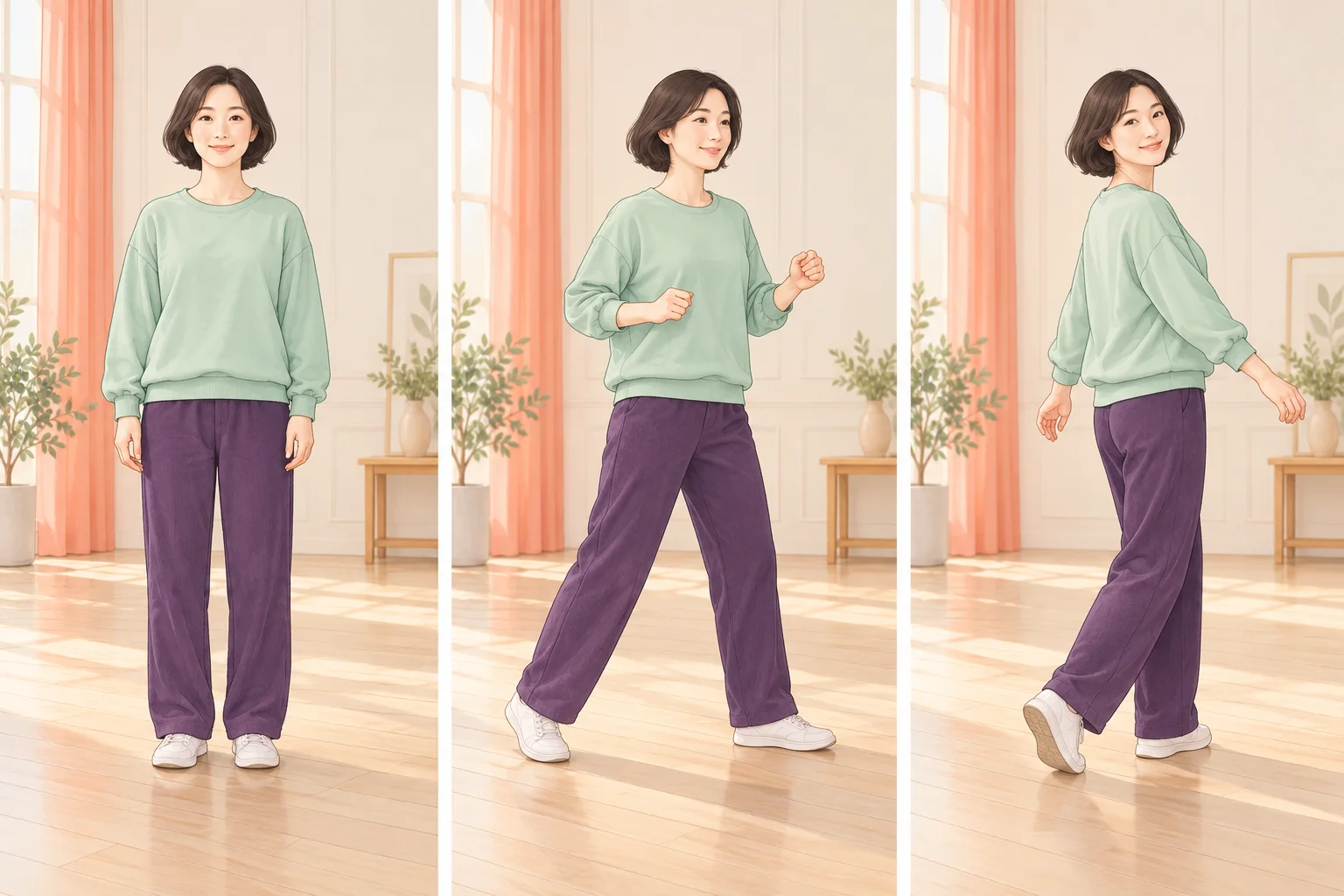
A movement clip is useful when words alone do not explain the timing or order of gestures. Sign in, upload a compatible MP4 or MOV and check its preview. Prefer one dancer, a steady camera and visible feet. The service validates the file before it becomes an input. Keep the clip between 2 and 15 seconds, at 24–60 fps and within the 32 MB upload limit.
The page also works without that clip. You can ask for “gentle side steps, a small turn and a steady camera” in the optional note. If you remove an uploaded video, the request returns to written movement guidance. The demonstration shown in the guide remains a viewing example; it is not silently selected for you.
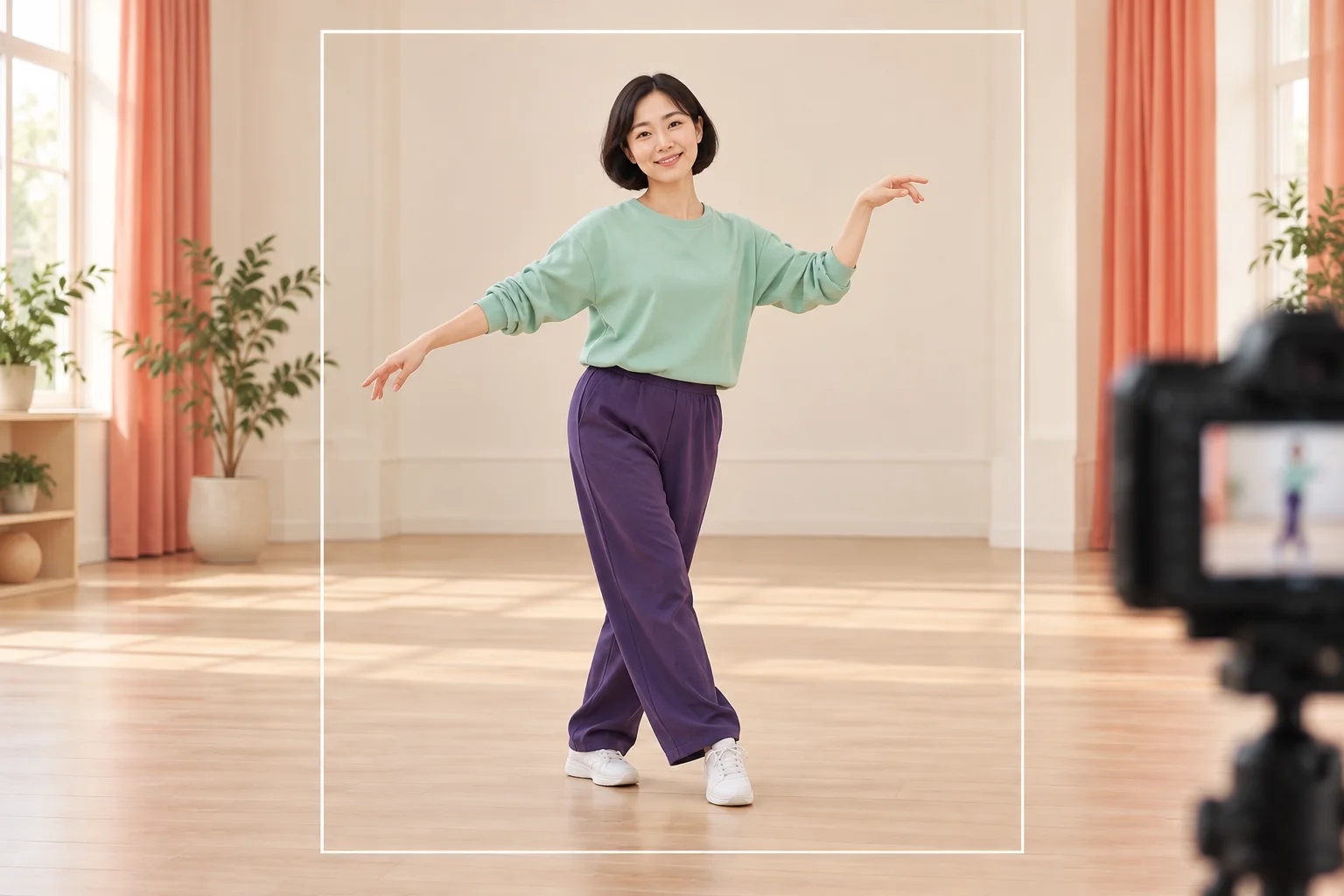
Compare the face and outfit before, during and after the turn. Look for a stable hairstyle, consistent sleeve shape and recognizable proportions. A stylized character can still lose continuity when an arm crosses the body or the camera angle changes.
Review the feet and floor together, then watch the whole take without pausing. Choose a result with understandable movement rather than a single attractive frame. You can add captions or a permitted soundtrack in your own editor afterward. No particular song recording or beat alignment is included by the effect name.
Explore how posture and small movements change the impression of your character.
Keep the routine restrained while developing a consistent illustrated setting.
Compare light and color choices without replacing the lead identity.
Yes. One character image is required, while the video is optional. Written instructions guide the scene when no movement clip is attached.
An accepted upload supplies movement guidance. It does not guarantee a frame-for-frame copy, and it does not replace the person image that establishes the lead identity.
This page provides an original scene workflow around the named theme. It does not supply an official artist template, celebrity image or specific song recording.
Check facial consistency, clothing, hands, feet and the body outline through the entire motion. A good opening image alone is not enough to assess a dance clip.
The live quote reflects the current settings and accepted inputs. The selected model presently requires purchase access and enough credits; no free or unlimited allowance is promised.
The page requests 15 seconds. Processing time varies with the service queue, and History shows the task’s progress.
try-nanobanana.com · Updated