What is AI Long Hair Filter?
Create a portrait preview with longer hair, from shoulder-length layers to chest-length waves. Try it for character look planning, with your own setting and a clear visual intention.

a practical portrait or design study
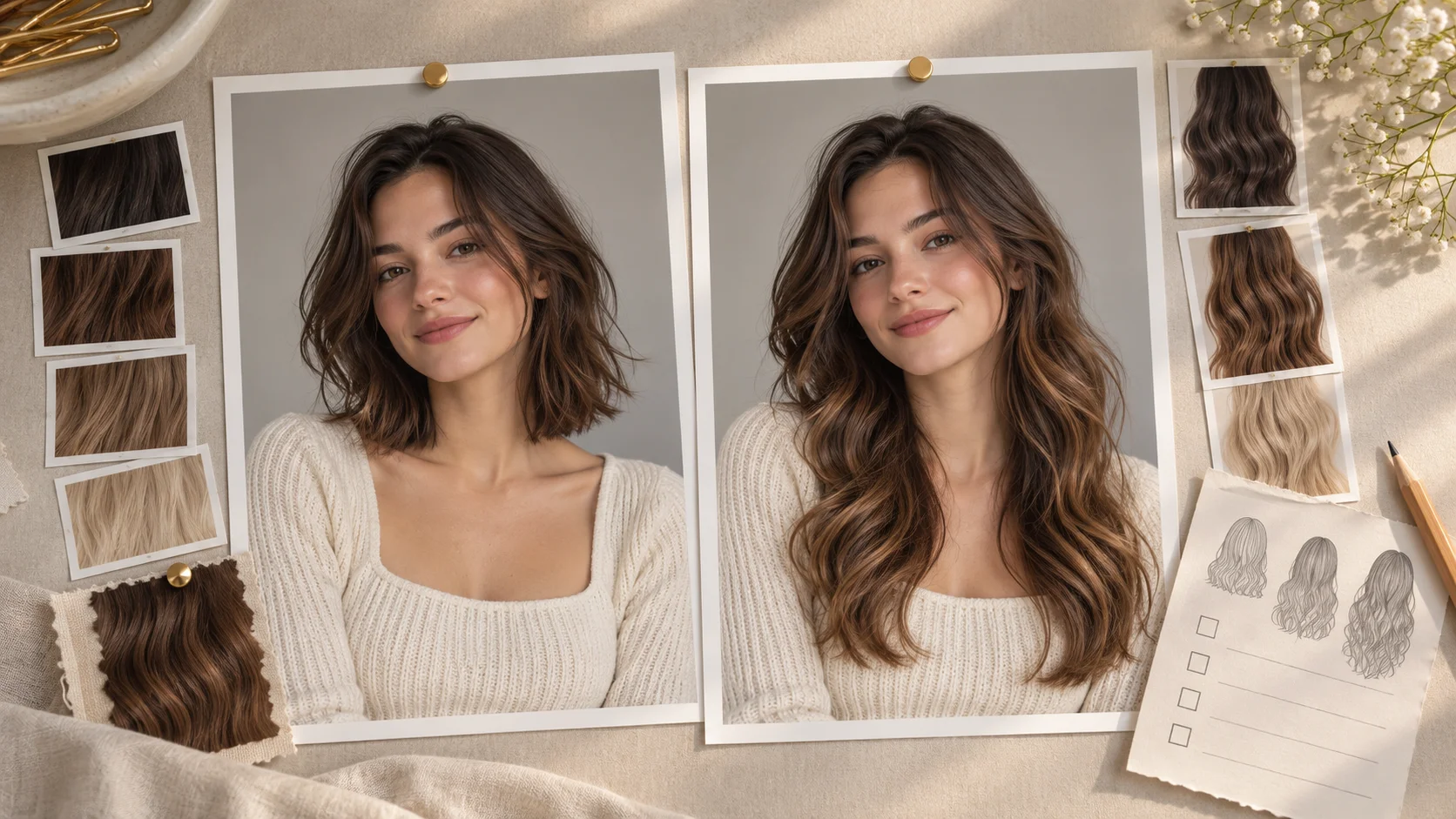
Create a portrait preview with longer hair, from shoulder-length layers to chest-length waves. Try it for character look planning, with your own setting and a clear visual intention.
Choose Text to Image or Image to Image, prepare the matching inputs and describe one useful direction. Check the settings and quote, then submit and review the result in History.
Check your current account credits and the selected model’s access conditions. When the available balance covers the quoted job, you can generate without buying more credits.
Choose one adult portrait that includes the shoulders and the area where the longer hair should end. Keep the hairline visible.
Read the live credit quote for the selected model and settings before submitting your long-hair preview. Preparing inputs or editing a description does not start a generation.
Follow the submitted job’s estimate and progress. The model, settings and queue affect waiting; History keeps the completed image available for review and download.
Create a portrait preview with longer hair, from shoulder-length layers to chest-length waves. Use the shoulder line and visible ends to describe the length you mean. On Try Nano Banana, approach it as a practical portrait or design study: clear preparation and a polished visual finish. Use the result to choose a direction, then check the details that matter at your intended viewing size.
Plan a long hair edit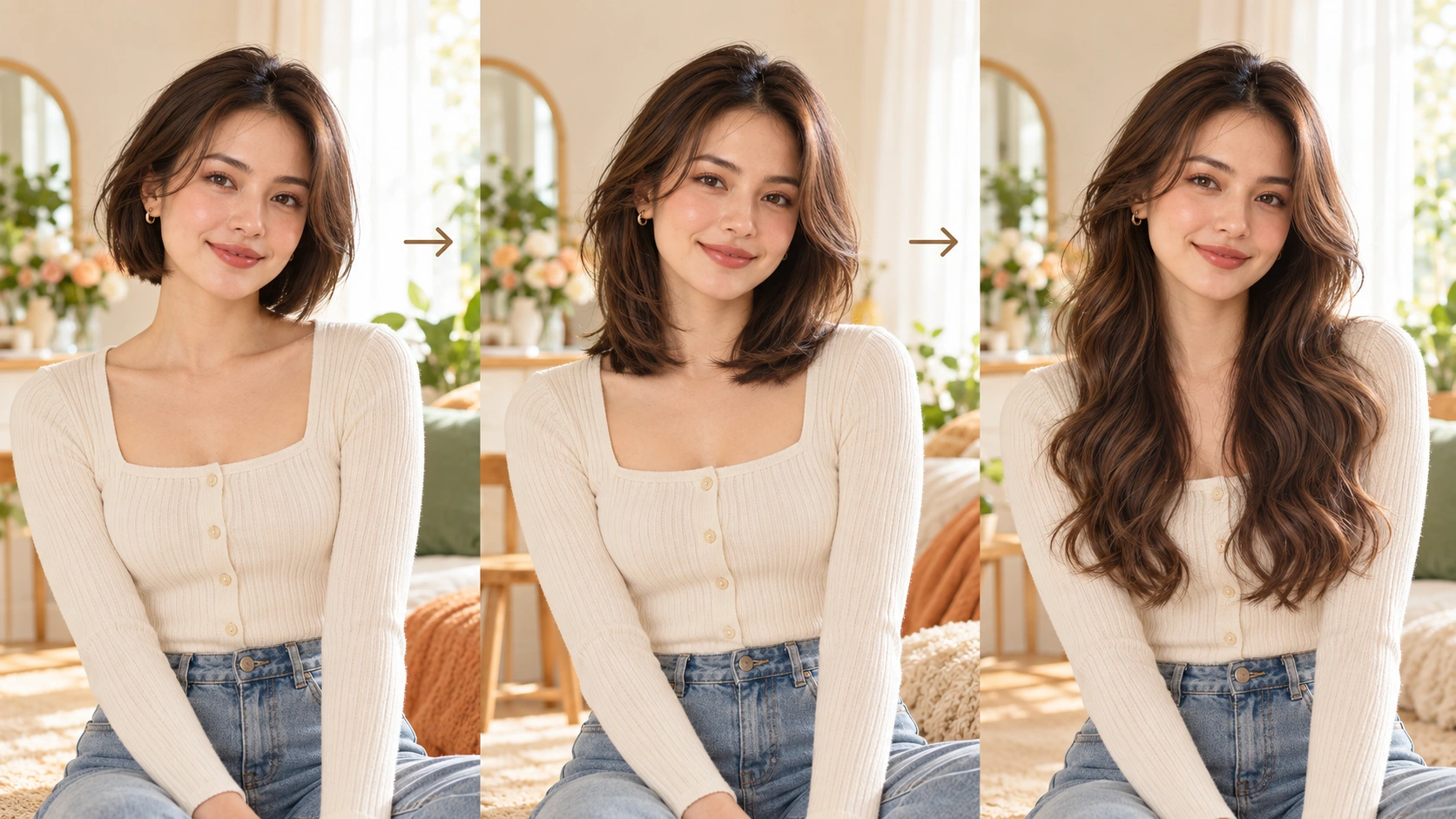
Upload one clear portrait with visible shoulders; the studies explain length ideas rather than extra required inputs. Use a portrait where the shoulders are visible, so length changes are easy to compare.
Select shoulder, chest, or waist length and describe layers, waves, or straight texture in the prompt. Use the available model controls to set direction. Describe length relative to the shoulders, and name details you want kept, such as face shape, clothes, and background.
Check the displayed live credit quote before starting the generation job. After it finishes, open History and compare the edit against the original. Decide whether the length suits the framing, then keep, regenerate, or discard. Share only versions you have reviewed yourself.
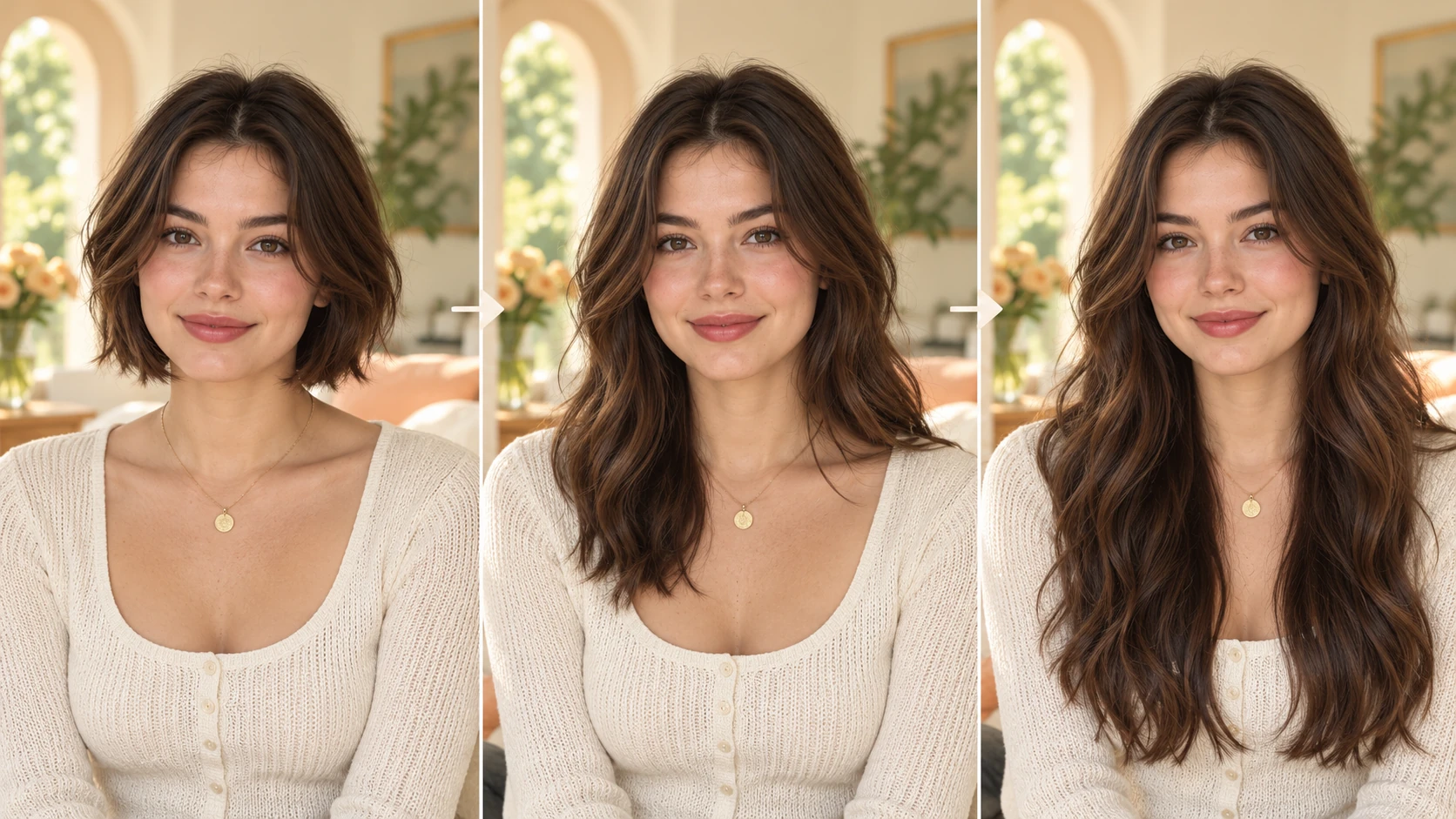
Choose one adult portrait with the face, shoulders, and clothing visible. A plain background and even light make the before-and-after comparison easier to judge. Save the original file, because the edit is a visual try-on and should not replace your source photo.
The edit describes hair relative to the shoulders, so shoulder, chest, and waist length read as clear planning choices. You can compare how each length changes the portrait's balance. Use this as a visual reference for a styling direction, not as a prediction of physical growth.
A useful portrait edit preserves the face, clothing, and background while changing the hair. Note those elements in the prompt and check them after generation. If the edit alters the face or setting, the result is harder to use for an editorial plan.
The generator includes an editable prompt and model controls, so each version can explore a different direction. Try layers, waves, or straight texture at one length, then compare versions in History. Keep track of which prompt produced which result for easier review.
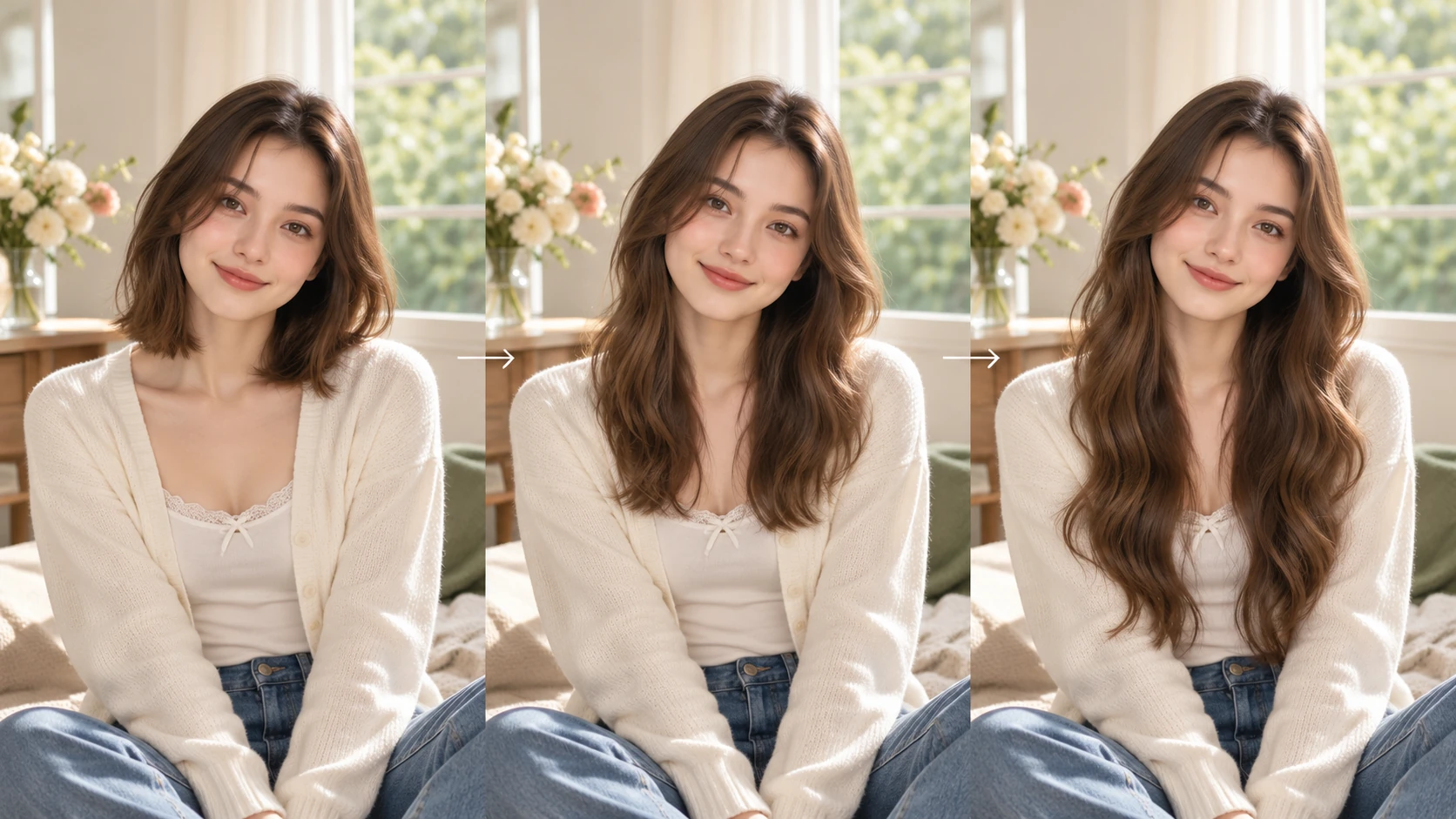
Writers and illustrators can test longer lengths on an adult character portrait before commissioning artwork. Compare shoulder and waist length with straight texture, then file the version that matches the character brief.
Creators building a mood board can add longer-hair edits beside fabric, color, and lighting references. The portrait becomes a planning image for a shoot concept, clearly labeled as an AI visual rather than a salon result.
A creator preparing a portrait series can generate several lengths for one subject and review them together in History. Decide which length suits the series, then share only approved images with collaborators.
Read the hair shape from the crown to its ends. Check where strands fall across the shoulders, whether both sides belong to the same haircut and whether clothing edges remain coherent. Ask to retain the original face, expression and background. Compare one length first, then try a different texture. A named endpoint such as just below the collarbone is clearer than simply asking for much longer hair.
Use a clear adult portrait where the face, shoulders, and clothing are visible. Even lighting and a simple background help. Keep the original file so you can compare the edit against the source during review.
Put the length and texture in the editable prompt. Say chest length with soft layers or waist length straight, for example. Mention the face, clothes, and background you want kept, then use the model controls for the direction.
The result is an illustration of a possible look, not a guarantee. Hair may not frame the face exactly as imagined, and fine details can shift. Compare each version with the original and discard anything that changes the face or setting too much.
Choose Text to Image for a new long-hair preview made entirely from your description; it uses no uploaded reference. Choose Image to Image when one photo should guide the person, subject or composition. Select the mode first so the visible inputs match your intention.
You can prepare the long-hair preview before submitting. To generate, check your signed-in account’s current credits and the selected model’s access conditions. If the available balance covers the displayed quote, you can proceed without buying more; no fixed free quota is promised.
Your long-hair preview has a live credit quote based on the model and settings you choose. Check it before submitting. Editing the description or reviewing an idea does not start a job; submitting another generation creates a separately quoted attempt.
Use the estimate and progress shown for the submitted long-hair preview job. Model choice, settings and queue conditions affect waiting. Check History for the completed image, and keep the existing task in progress instead of resubmitting the same request while you wait.
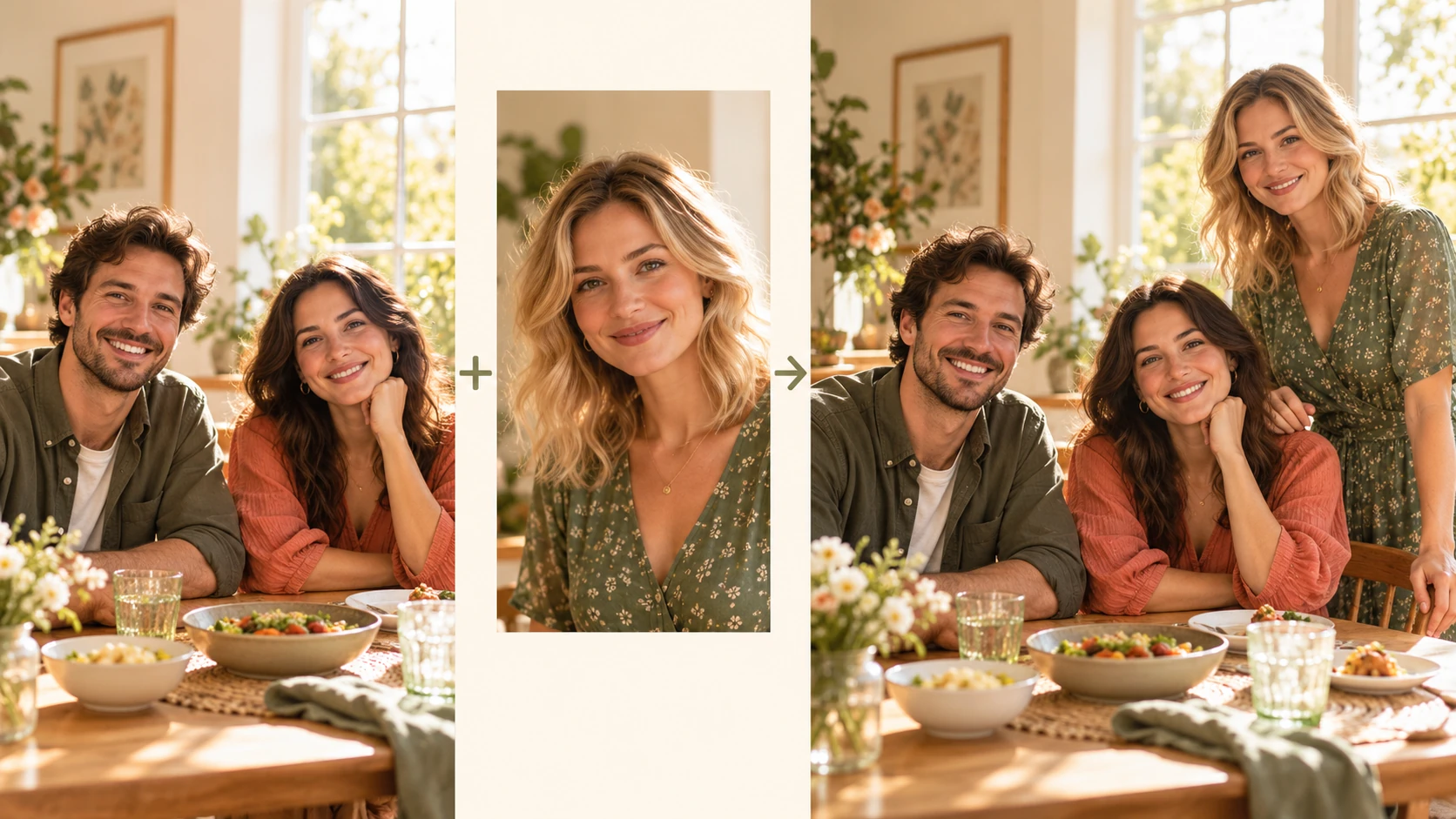
Explore Add People To Photo for a different visual direction. This guide explains its input, practical steps and the details to review.
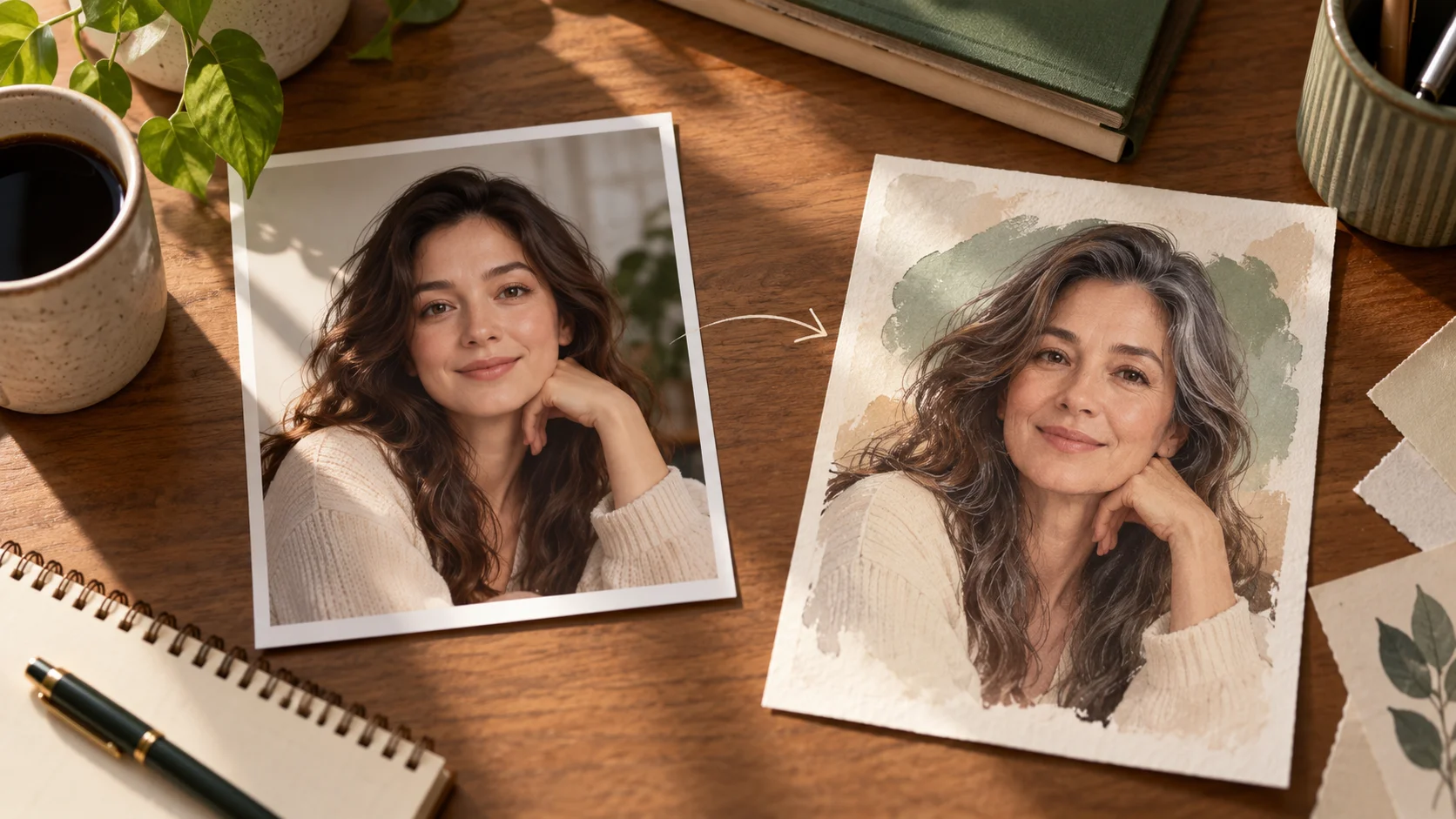
Explore AI Age Checker for a different visual direction. This guide explains its input, practical steps and the details to review.
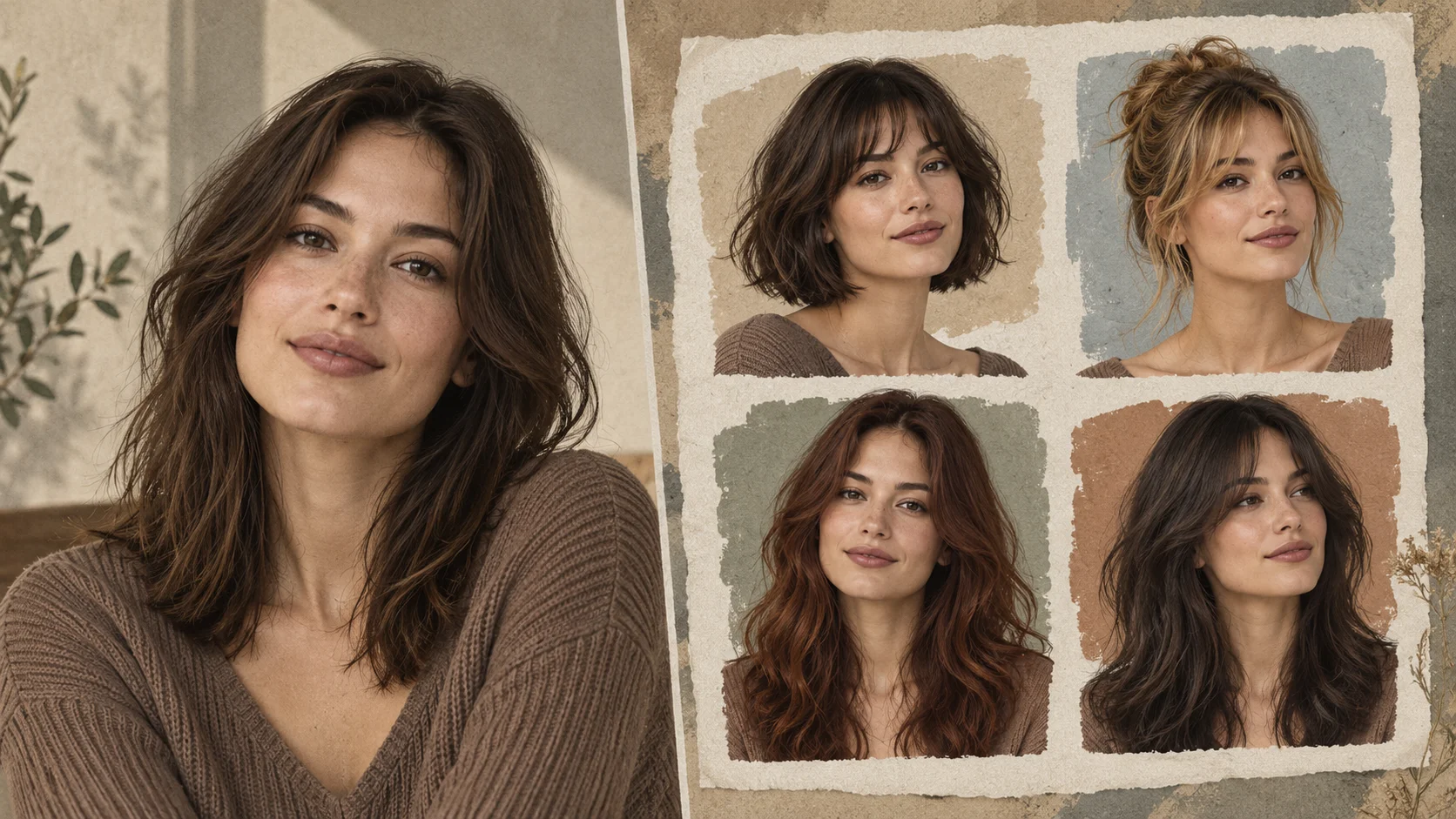
Explore AI Hairstyle Online Free for a different visual direction. This guide explains its input, practical steps and the details to review.
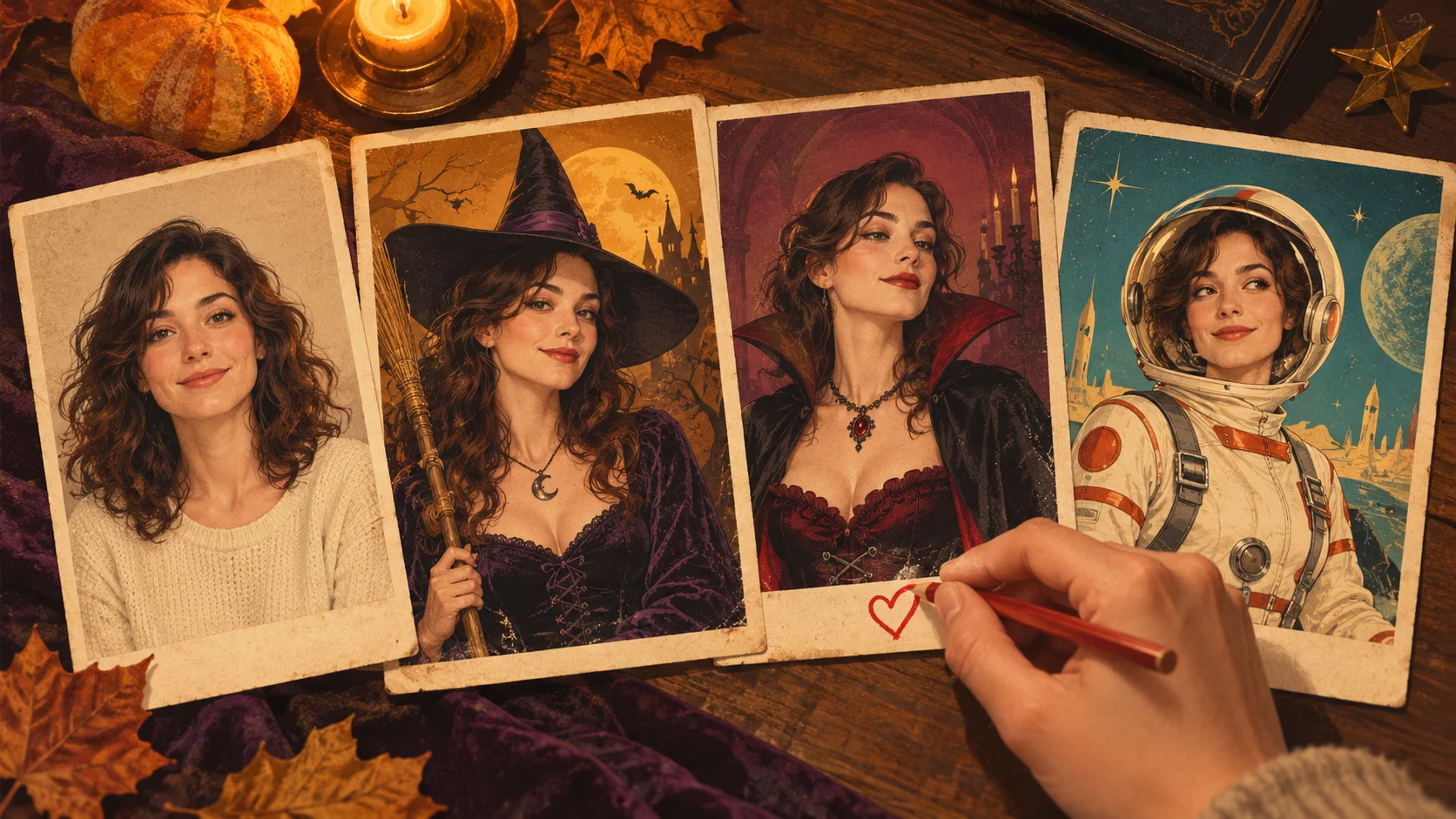
Explore AI Halloween Costume for a different visual direction. This guide explains its input, practical steps and the details to review.
Use the result to choose a direction, then check the details that matter at your intended viewing size. Prepare the long-hair preview, read the current quote and submit when the direction is clear.
Plan a long hair edittry-nanobanana.com · Updated