A first reaction-video idea
Begin with one person and a small action rather than a complicated multi-scene brief.

TRY NANOBANANA MOTION GUIDE
Loading history…
Start with a clear person photo and a simple comic setup: a diner enjoying a burger notices the viewer outside the window. The supplied reference guides the movement through the curtain gesture. Your optional direction can give the scene a friendly kitchen mood.
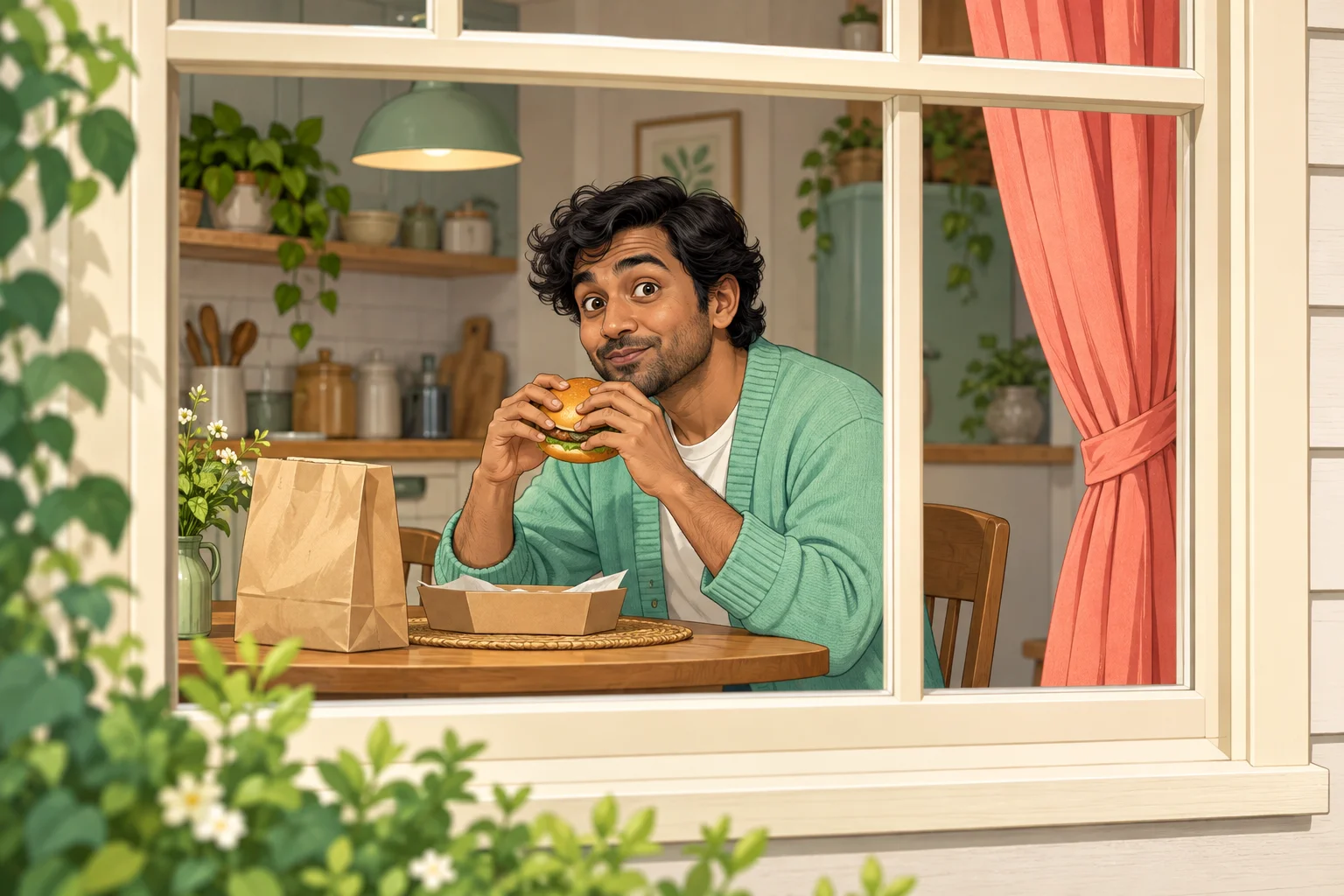
The photo and video have different jobs. Your image tells the model who should appear. The fixed clip shows the eating, glance and curtain sequence. A neutral portrait can therefore be useful even though it does not contain a burger or a window.
This guide explores a bright kitchen with mint clothing and a coral curtain. Those color choices make the scene easy to describe. They are creative direction, not additional image slots or guarantees that every object will appear exactly as pictured.

Choose one person, a clear face and a natural camera angle. Check that the eyes and mouth are not blurred or covered. A heavily cropped or strongly filtered image asks the model to infer more appearance details than a clean reference would.
If you already have several candidate photos, choose the one that best shows the person rather than combining them into a collage. This page uses one required identity image. It does not need separate uploads for the burger, room or curtain.
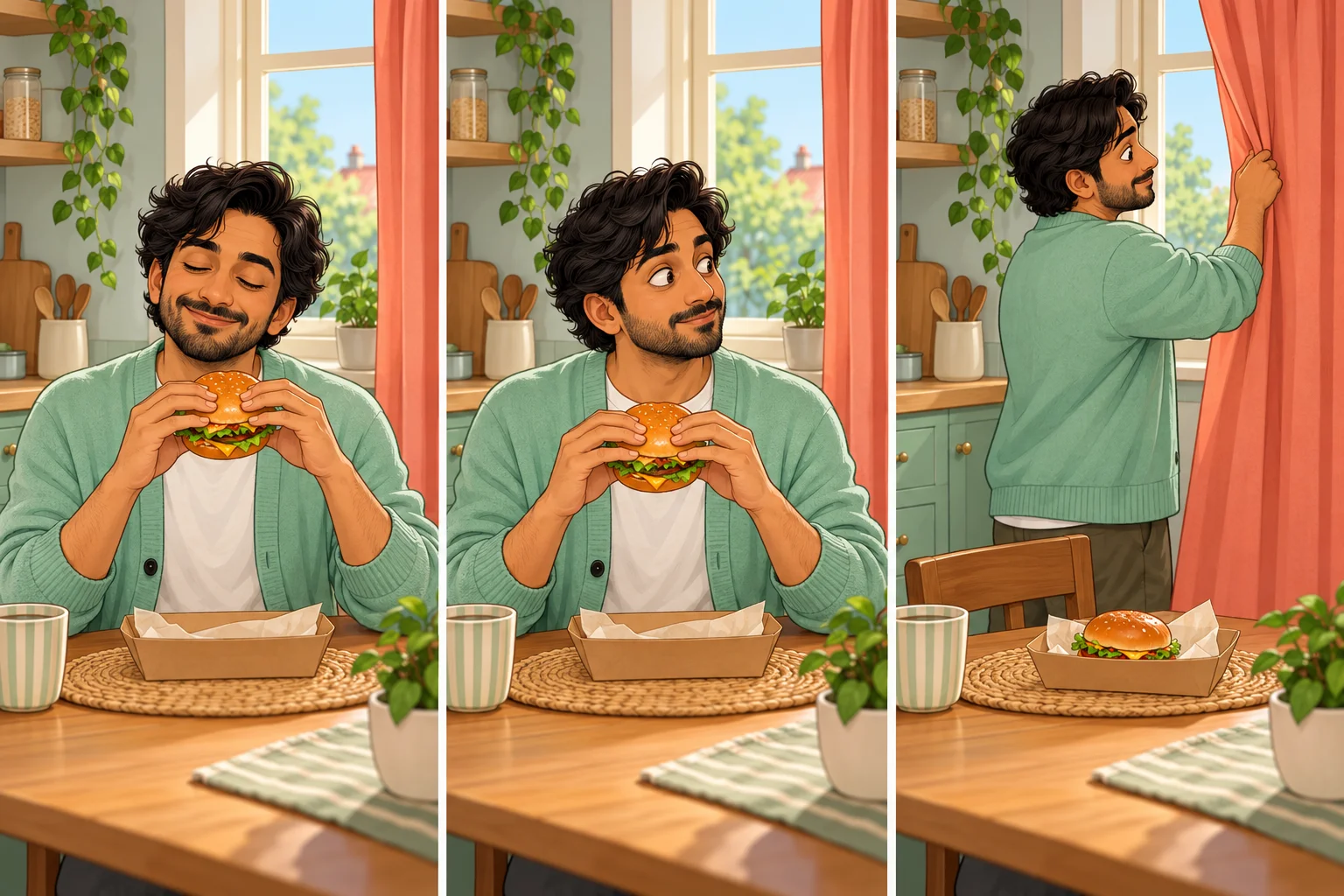
Begin with a short note: “Bright kitchen, mint cardigan and a soft coral curtain, with a gentle comic reaction.” Keeping the request focused makes it easier to judge what worked. Avoid mixing several art styles and locations in the same instruction.
When a take is close to your idea, decide which single visual issue matters most. You might simplify the background or ask for softer light. The motion reference remains fixed, so a request for a different stunt or a flying burger would work against the intended sequence.
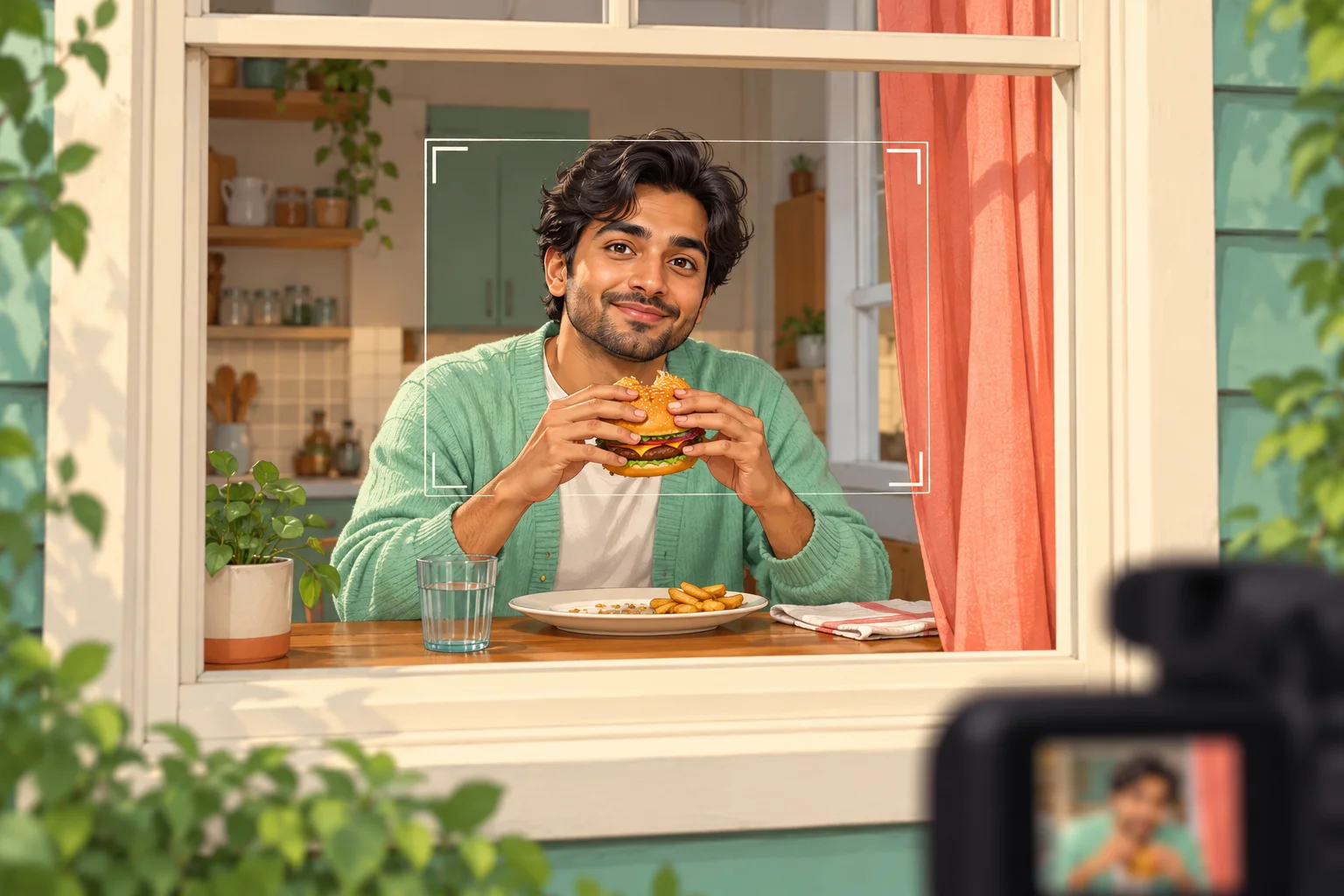
A recognizable person is important, but the scene also depends on the hands, burger and table. Watch where the burger goes as the person reaches for the curtain. Check that the window remains a believable boundary between viewer and room.
Use History to inspect the complete result before downloading. The preview is the source of motion guidance, not a promise of an identical generated take. Keep the result that communicates the reaction clearly, and use another workflow when you want a different action.
Begin with one person and a small action rather than a complicated multi-scene brief.
Use a simple room and palette to make the expression easy to follow.
Compare one changed visual direction while keeping the same identity and motion.
No. One person photo is required for identity. Optional text can guide appearance or atmosphere, while the motion comes from the fixed reference.
A clear neutral photo can be used. The reference video supplies the action, so there is no need to recreate the lunch scene in your input photograph.
The page has one lead-identity slot and is designed around one diner. A group image does not provide separately assigned roles.
The current video model requires purchase access and sufficient credits. Read the live quote for your chosen settings; this page does not promise an included free allowance.
Fourteen seconds is its configured duration. Processing time varies, so follow the request in History and wait for its completion status.
The page generates and displays the result in History. Detailed trimming, captions and soundtrack work belong in a separate editing step.
try-nanobanana.com · Updated