What is AI Short Hair Filter?
Try a short haircut concept on an adult portrait, such as a jaw-length bob, cropped fringe or textured pixie. Try it for beauty feature opener, with your own setting and a clear visual intention.

a practical portrait or design study
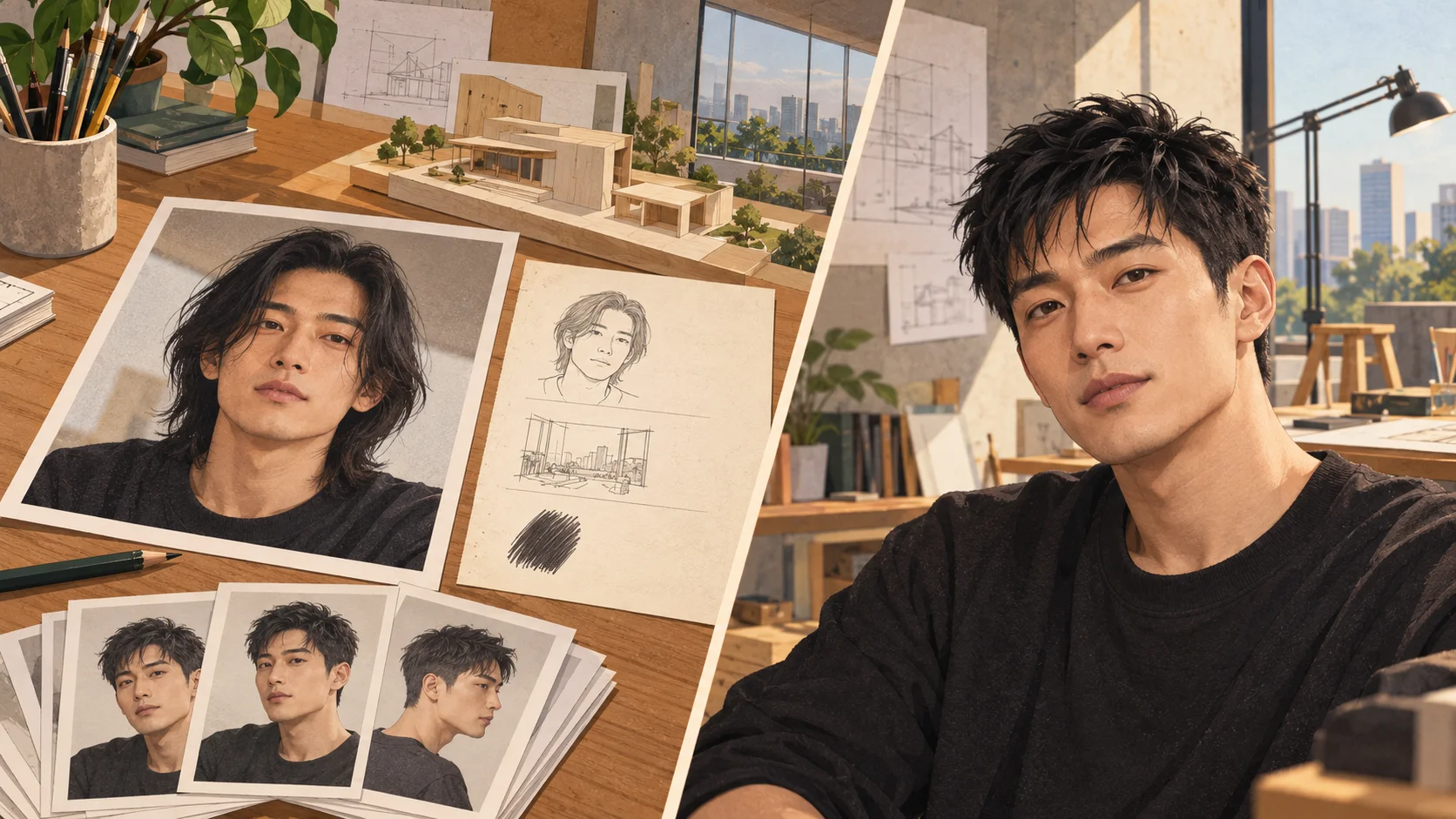
Try a short haircut concept on an adult portrait, such as a jaw-length bob, cropped fringe or textured pixie. Try it for beauty feature opener, with your own setting and a clear visual intention.
Choose Text to Image or Image to Image, prepare the matching inputs and describe one useful direction. Check the settings and quote, then submit and review the result in History.
Check your current account credits and the selected model’s access conditions. When the available balance covers the quoted job, you can generate without buying more credits.
Use one adult portrait with a visible hairline, both sides of the face and enough space around the ears. Avoid a hat or a hand over the hair.
Read the live credit quote for the selected model and settings before submitting your short-hair preview. Preparing inputs or editing a description does not start a generation.
Follow the submitted job’s estimate and progress. The model, settings and queue affect waiting; History keeps the completed image available for review and download.
Try a short haircut concept on an adult portrait, such as a jaw-length bob, cropped fringe or textured pixie. Describe the length and shape while asking to retain the face and background. On Try Nano Banana, approach it as a practical portrait or design study: clear preparation and a polished visual finish. Use the result to choose a direction, then check the details that matter at your intended viewing size.
Plan a short hair edit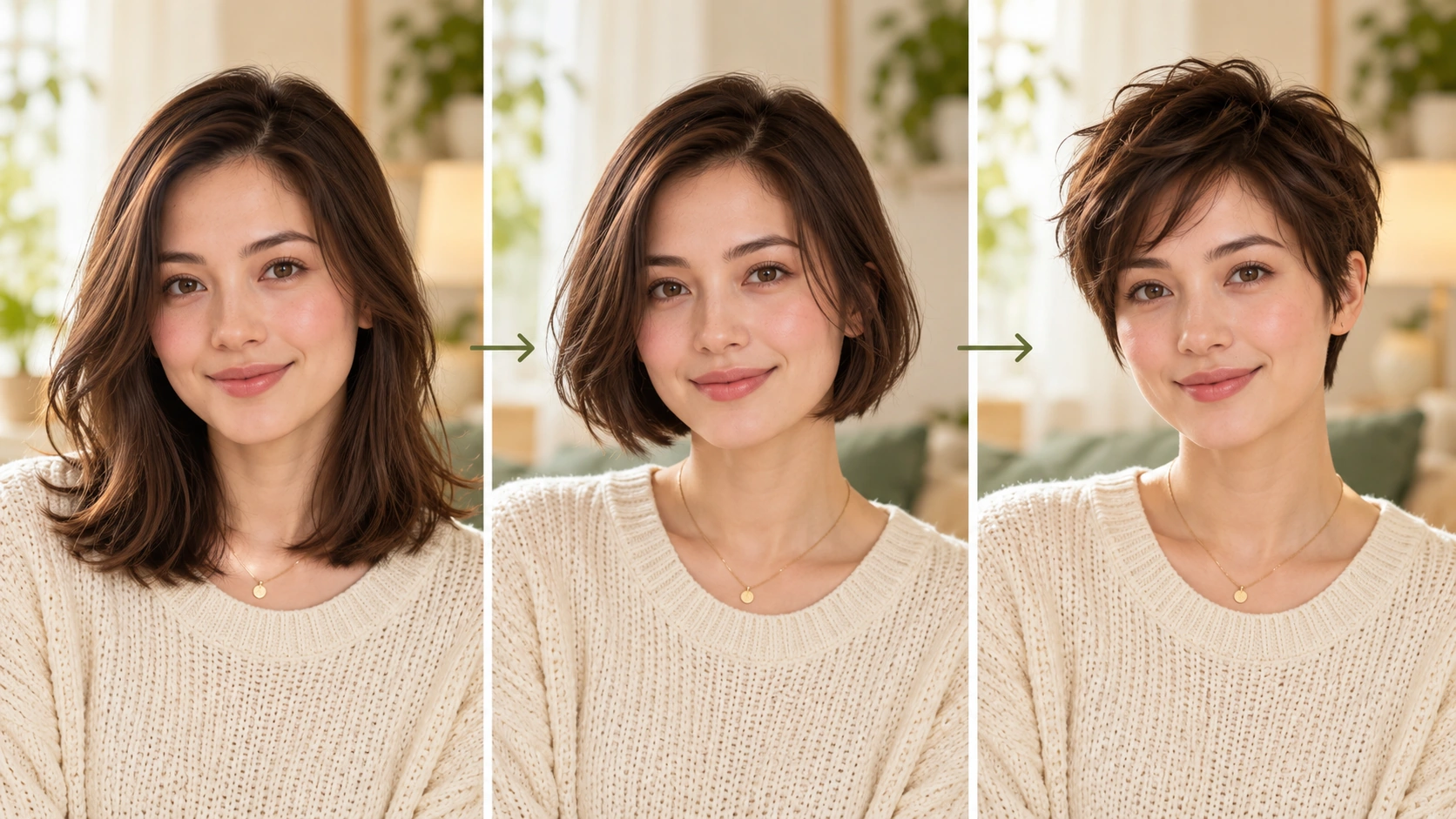
Prepare a clear subject and a focused direction before submitting a generation. Write your must-keep list first: face shape, background, hair color, and expression.
Pick one cut to test first: pixie, bob, cropped fringe, or a textured cut. Use the editable prompt to state length, fringe shape, volume, and hair color. Adjust the available model controls for the look you want. Keep a second idea for later instead of mixing several cuts in one prompt.
Read the displayed live credit quote before starting a job. Generate the portrait edit, then open History to compare versions side by side. Check the face, background, and requested hair color. Reject any version that changes identity or setting. Approve only the edit that meets your note before sharing it.
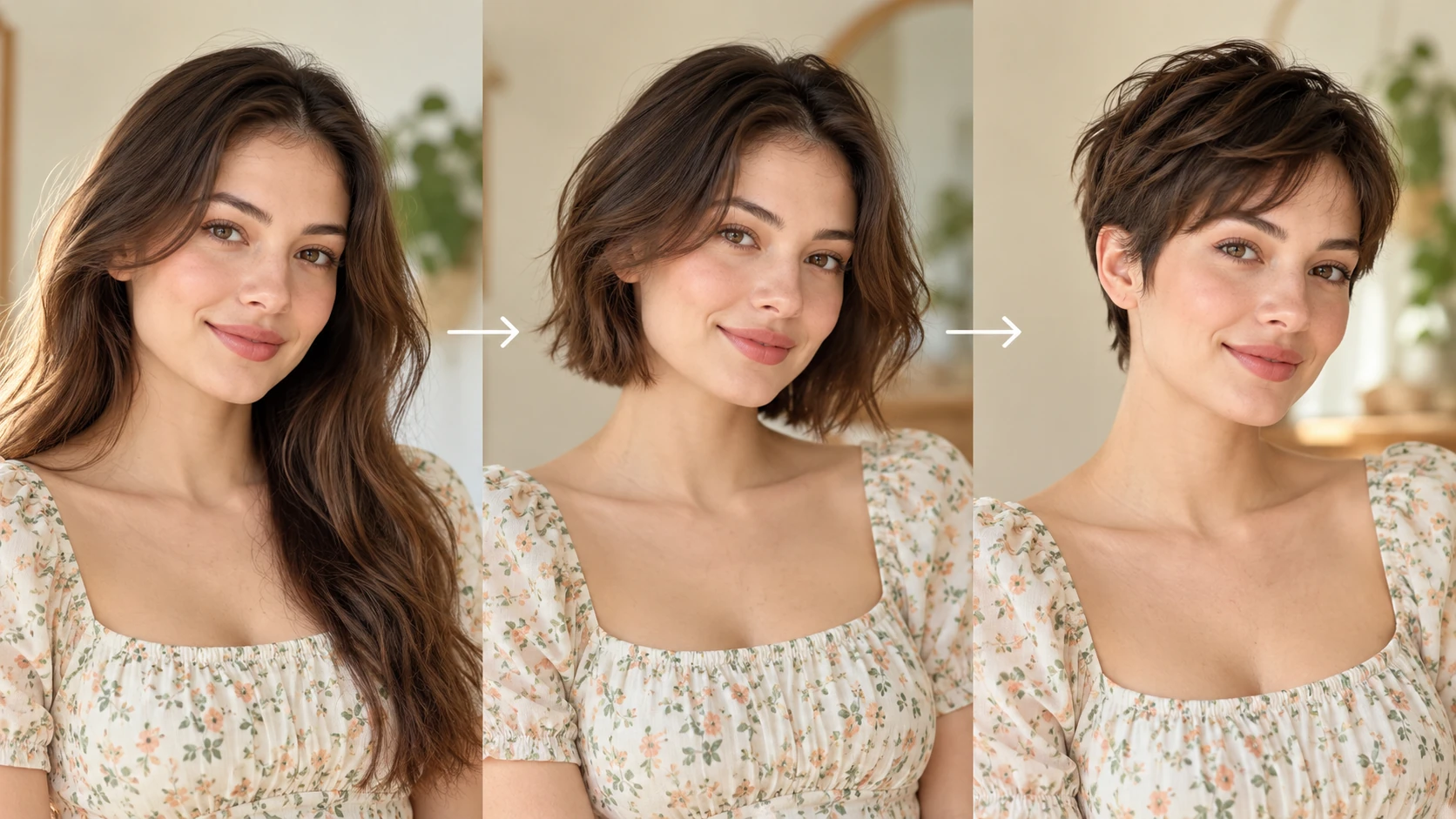
Choose one clear adult portrait with an undistorted face and a simple background. Note the original hair color and length so you can describe them in the prompt. Crop distractions out before upload. Decide whether the background and face must stay unchanged, and write that requirement down so the review has a fixed standard.
The edit changes the haircut on an adult portrait. When you ask for it, the face, background, and hair color should be preserved. That constraint matters for editorial work because readers notice a shifted jawline or a new room faster than they notice a fringe. Treat each result as a draft to inspect, not a finished asset.
Short hair vocabulary is imprecise. One writer means a chin bob, another means a collar-length one. The editable prompt lets you replace vague words with measurable ones: fringe above the brow, length at the jaw, texture at the crown. Save the wording that works and reuse it when you test the next cut.
The live credit quote appears before you commit, so you can plan a small test batch rather than guessing. Completed jobs sit in History, where you can return to an earlier version. That record supports a simple editorial workflow: test one cut, review it, then decide whether a second direction deserves another quote.
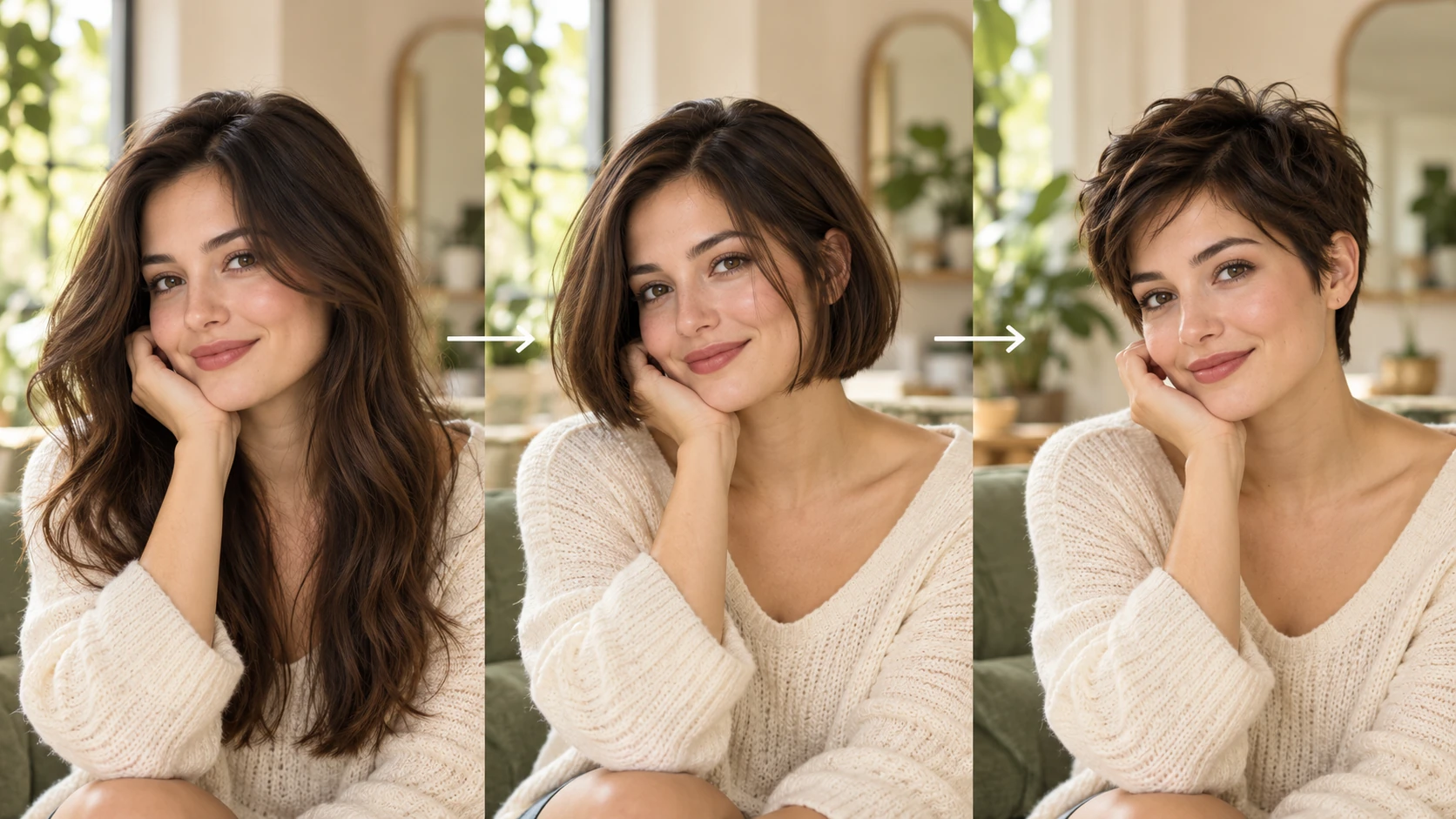
You are planning a piece on short cuts and want an opening portrait that shows the direction without claiming a salon result. Test a textured crop, review the face and background, and share only as a labeled illustration of the look.
A subject wants a visual for a profile update but has not booked an appointment. Run one bob test to start a conversation about length and fringe. Keep the original photo and the edited version labeled clearly.
For a series on fringe shapes, test a cropped fringe against a longer bob. Read the quote for each job, generate both, and compare them in History. Publish the pair only if the face and hair color hold across both.
It edits an adult portrait to show a short haircut: pixie, bob, cropped fringe, or a textured cut. You upload a photo, describe the cut, and review the result. It is a visual try-on, not a guaranteed salon outcome.
Use a sharp adult portrait with even light, a visible hairline, and an uncluttered background. Avoid heavy filters, strong shadows across the face, or cropped-off hair. State the original hair color in the prompt if it must stay the same.
You can request that the face, background, and hair color stay as they are. The tool aims to follow that instruction, but you still need to check each result. Compare against the original before you approve the edit for any use.
No. The output is an illustration of a direction, and lighting, hair texture, and face shape can shift the look. Use it to discuss options, not to promise a specific cut. A stylist assessment remains the accurate reference.
Choose Text to Image for a new short-hair preview made entirely from your description; it uses no uploaded reference. Choose Image to Image when one photo should guide the person, subject or composition. Select the mode first so the visible inputs match your intention.
You can prepare the short-hair preview before submitting. To generate, check your signed-in account’s current credits and the selected model’s access conditions. If the available balance covers the displayed quote, you can proceed without buying more; no fixed free quota is promised.
Your short-hair preview has a live credit quote based on the model and settings you choose. Check it before submitting. Editing the description or reviewing an idea does not start a job; submitting another generation creates a separately quoted attempt.
Use the estimate and progress shown for the submitted short-hair preview job. Model choice, settings and queue conditions affect waiting. Check History for the completed image, and keep the existing task in progress instead of resubmitting the same request while you wait.
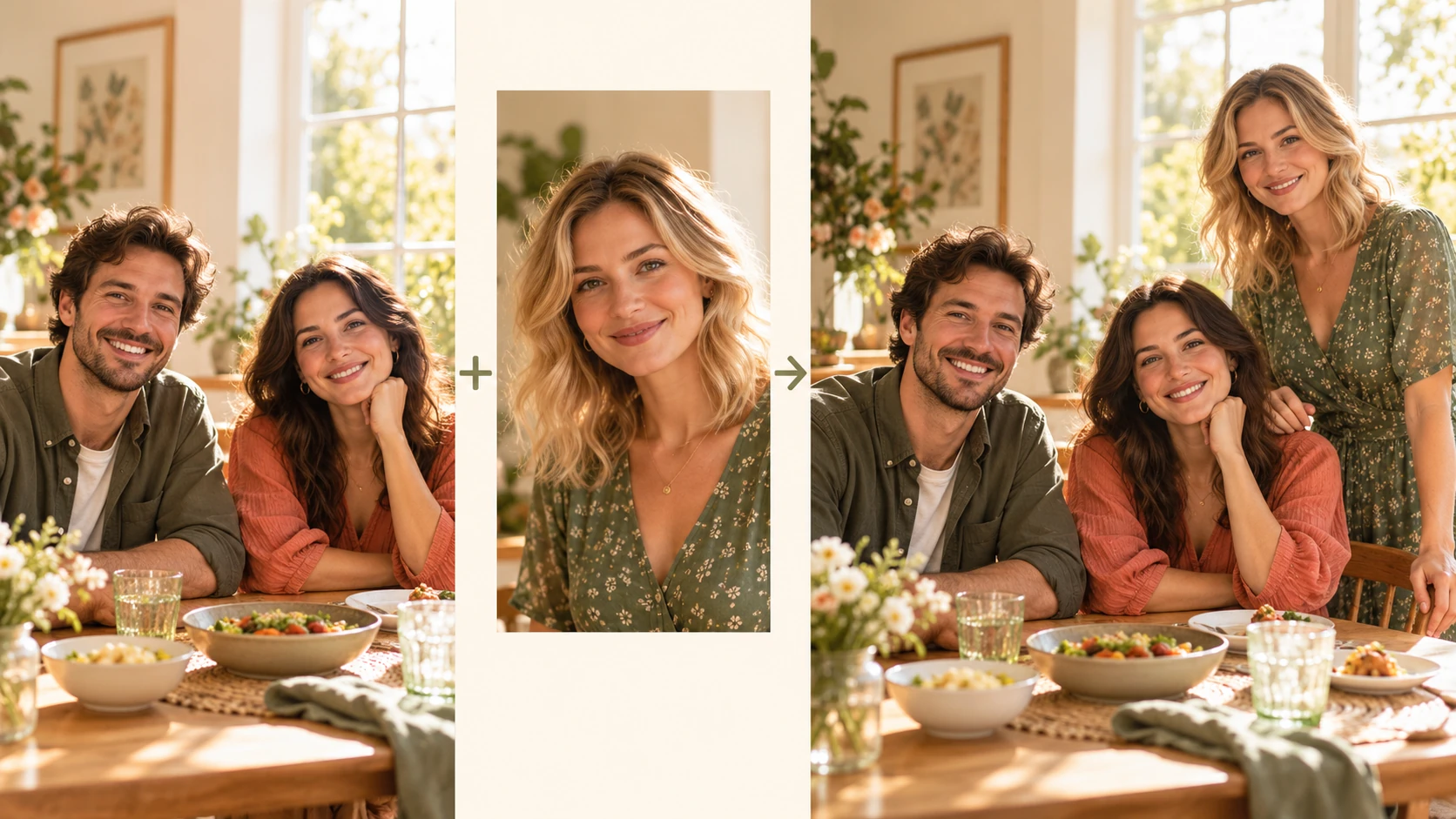
Explore Add People To Photo for a different visual direction. This guide explains its input, practical steps and the details to review.
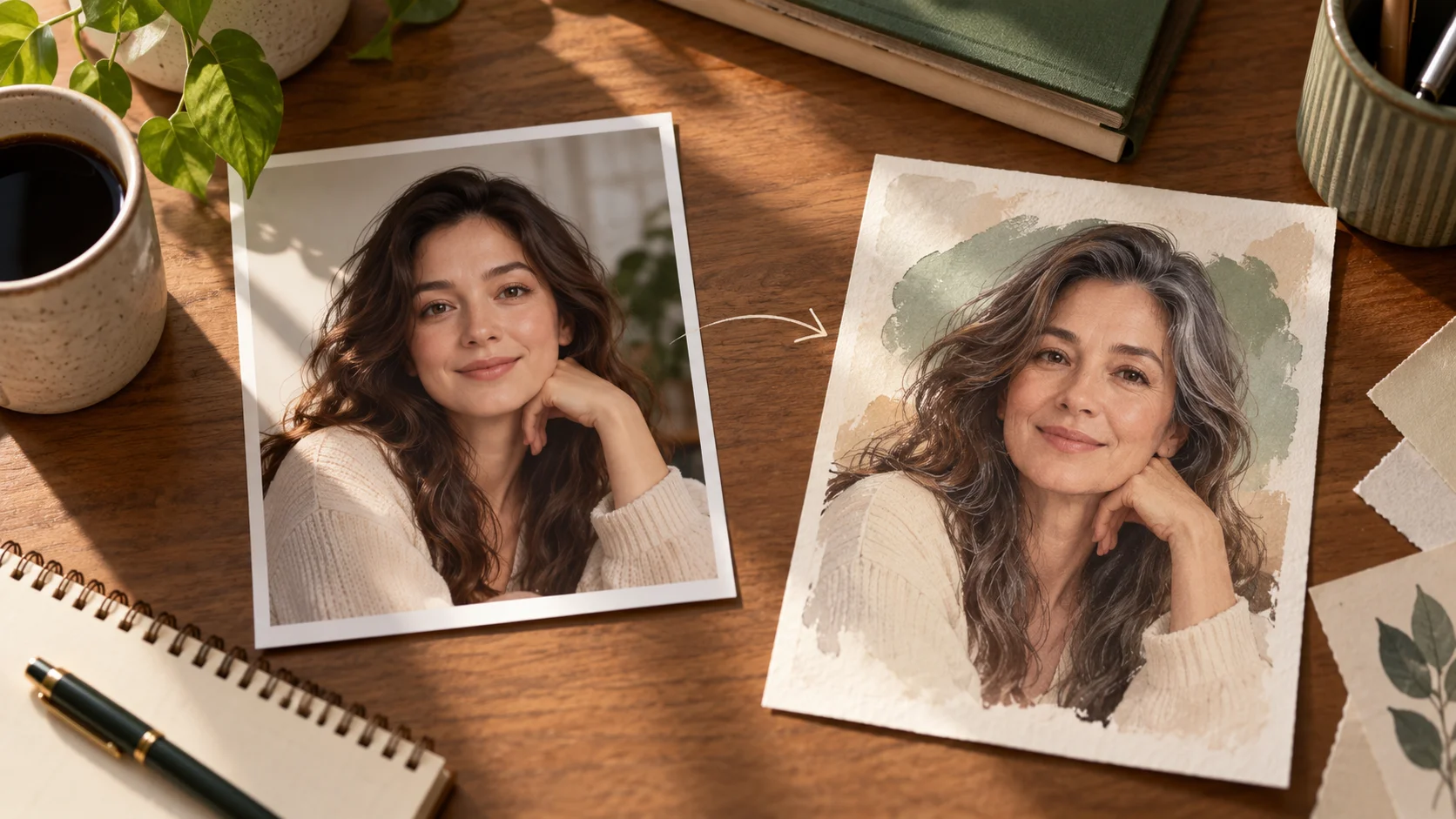
Explore AI Age Checker for a different visual direction. This guide explains its input, practical steps and the details to review.
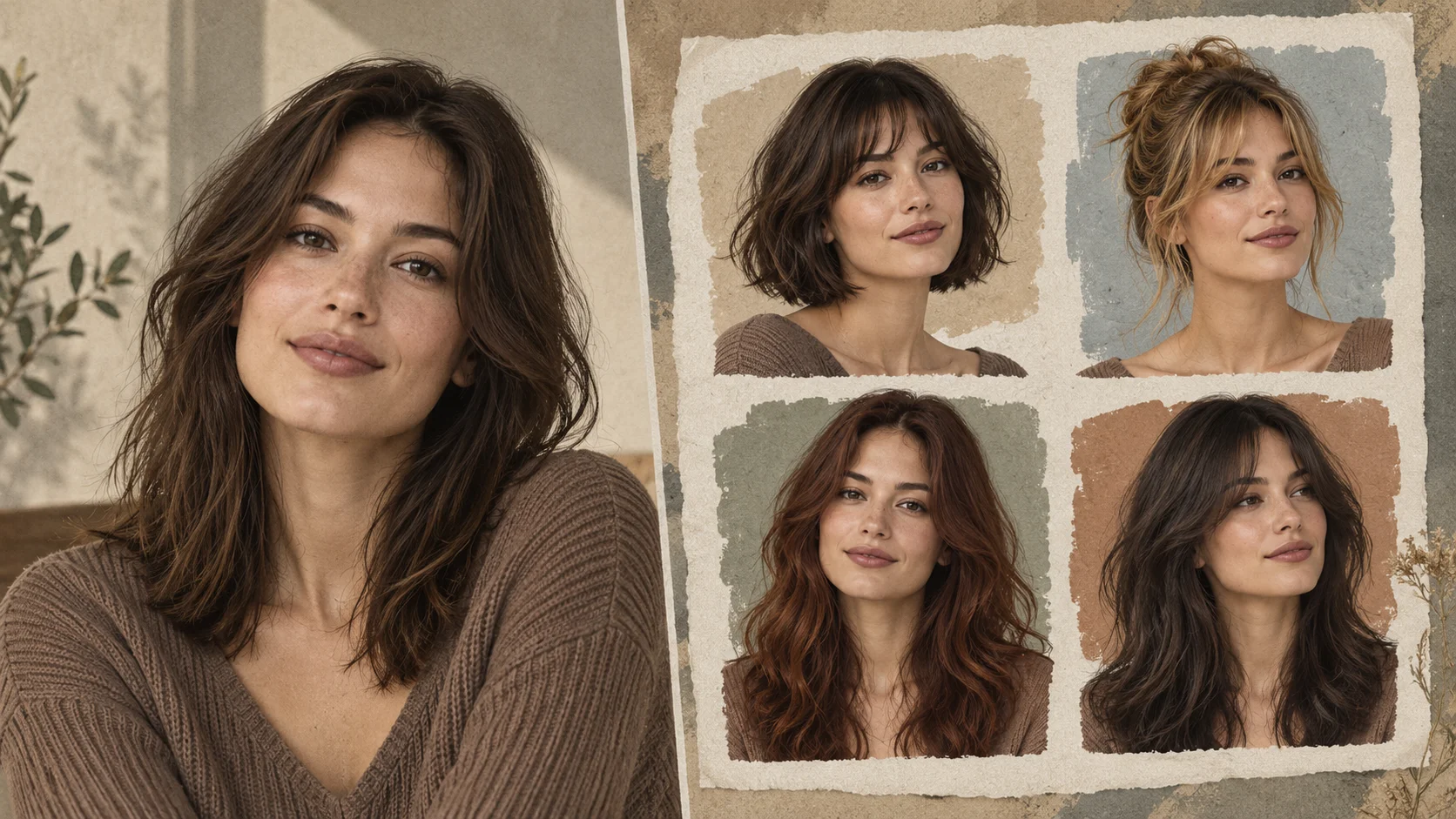
Explore AI Hairstyle Online Free for a different visual direction. This guide explains its input, practical steps and the details to review.
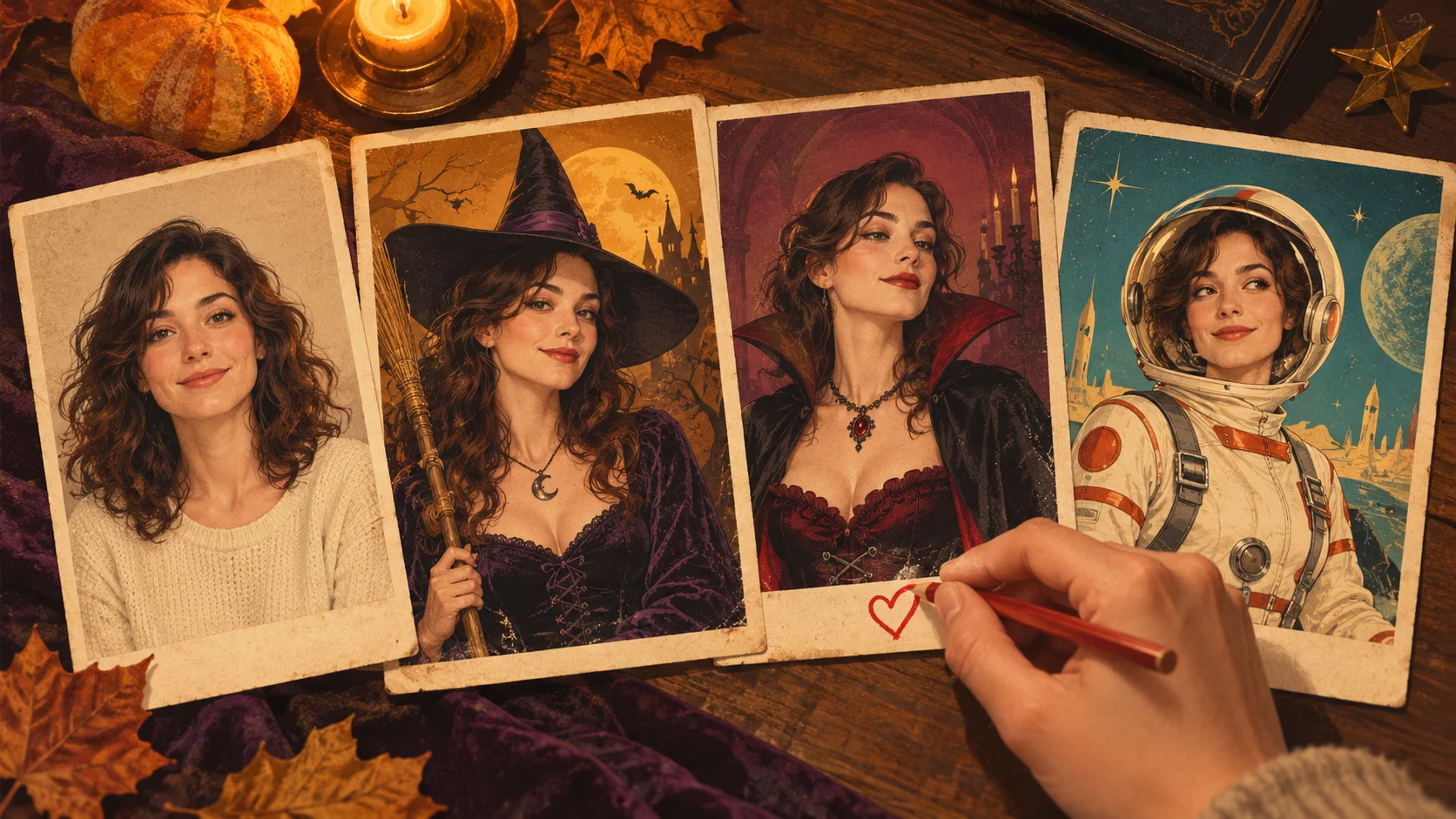
Explore AI Halloween Costume for a different visual direction. This guide explains its input, practical steps and the details to review.
Use the result to choose a direction, then check the details that matter at your intended viewing size. Prepare the short-hair preview, read the current quote and submit when the direction is clear.
Plan a short hair edittry-nanobanana.com · Updated