What is AI Hairstyle Online Free?
Preview a hairstyle idea on an adult portrait by describing length, fringe, texture and color. Try it for salon lookbook planning, with your own setting and a clear visual intention.

a practical portrait or design study
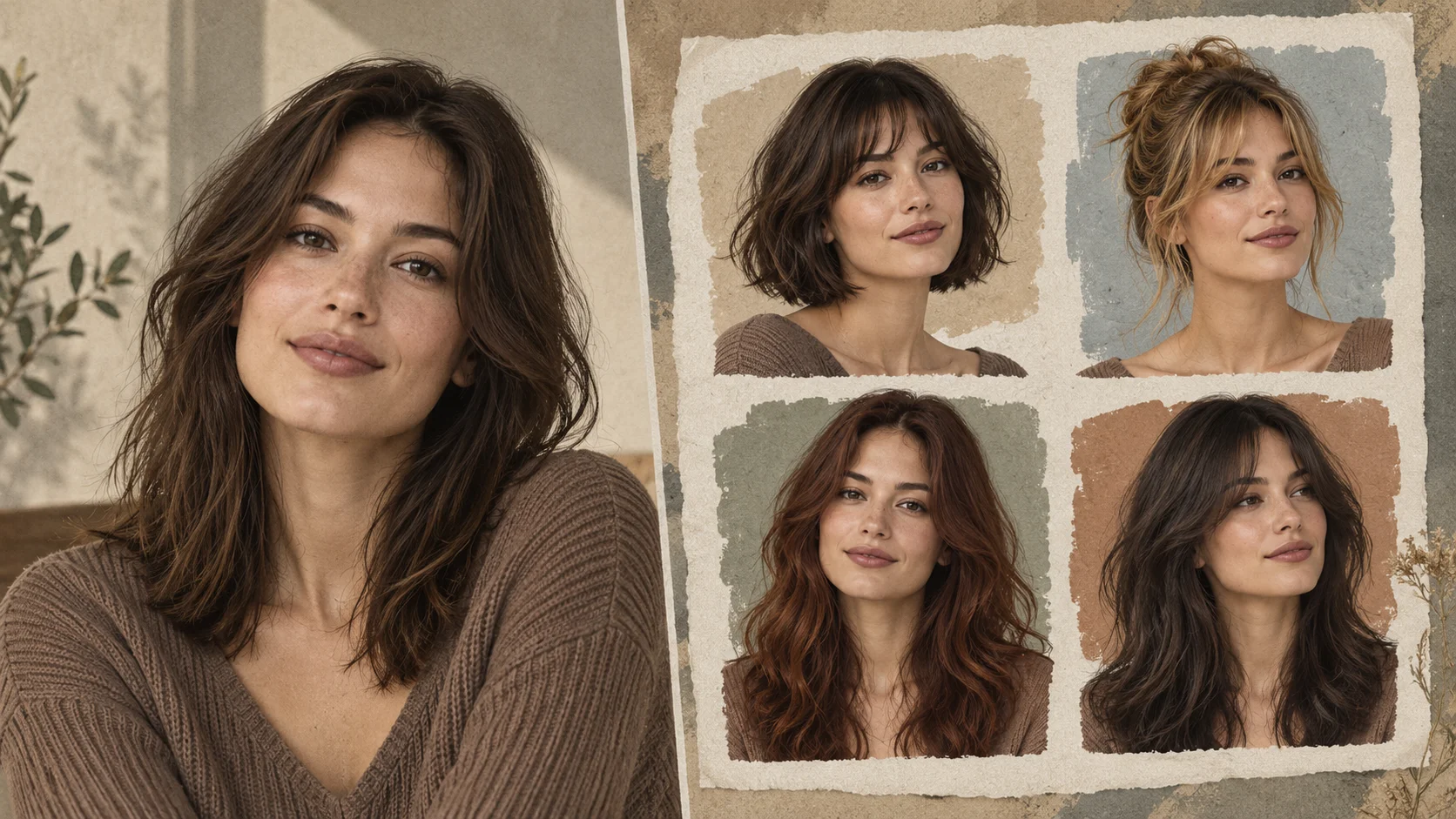
Preview a hairstyle idea on an adult portrait by describing length, fringe, texture and color. Try it for salon lookbook planning, with your own setting and a clear visual intention.
Choose Text to Image or Image to Image, prepare the matching inputs and describe one useful direction. Check the settings and quote, then submit and review the result in History.
Check your current account credits and the selected model’s access conditions. When the available balance covers the quoted job, you can generate without buying more credits.
Upload one clear adult portrait in Image to Image. Show the whole hairline, ears and shoulders where possible, with no hat or hand covering the hair.
Read the live credit quote for the selected model and settings before submitting your hairstyle preview. Preparing inputs or editing a description does not start a generation.
Follow the submitted job’s estimate and progress. The model, settings and queue affect waiting; History keeps the completed image available for review and download.
Preview a hairstyle idea on an adult portrait by describing length, fringe, texture and color. Try a bob, loose layers or a softer fringe while asking to retain the person and setting. On Try Nano Banana, approach it as a practical portrait or design study: clear preparation and a polished visual finish. Use the result to choose a direction, then check the details that matter at your intended viewing size.
Create a hairstyle preview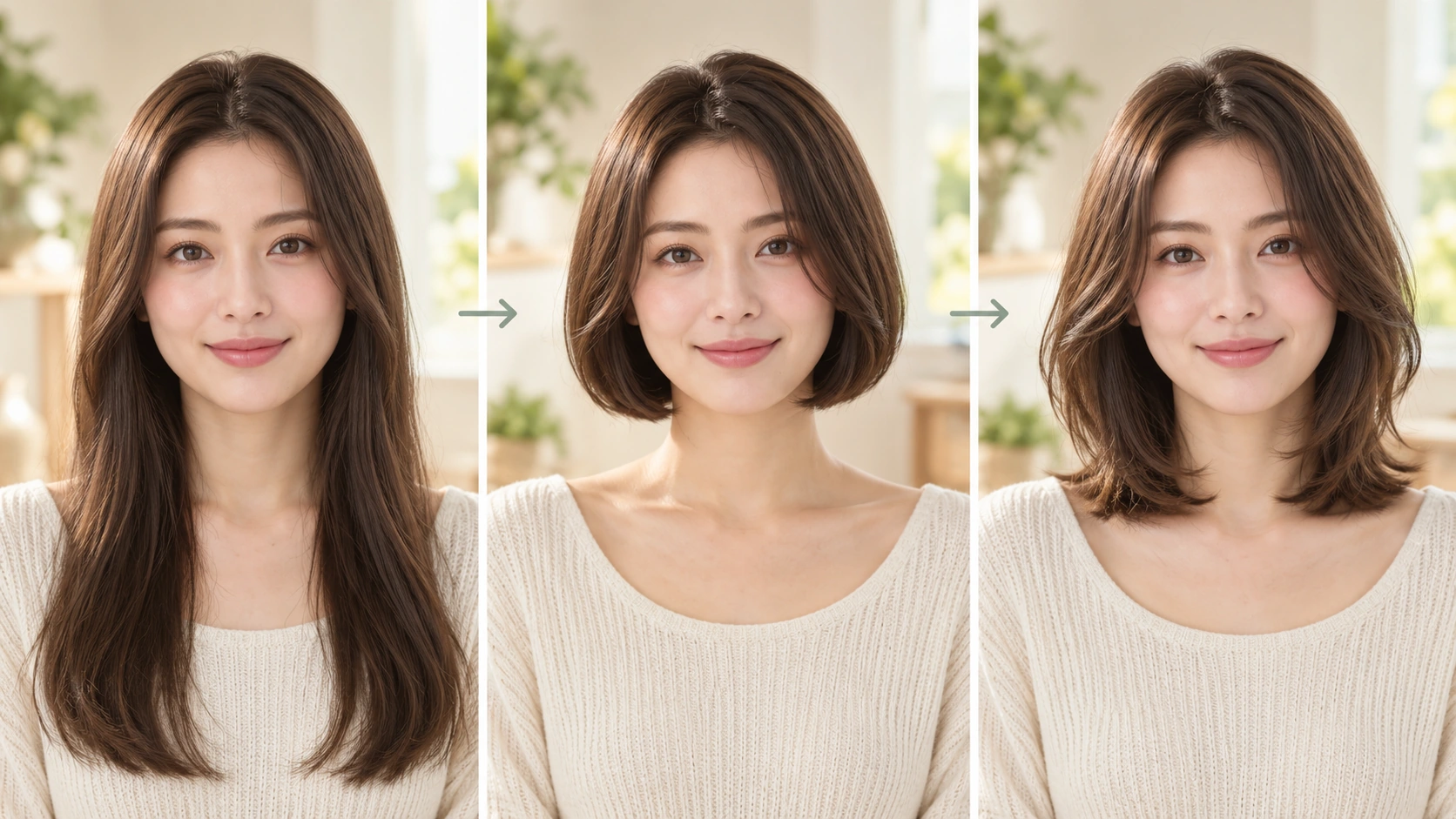
Prepare a clear subject and a focused direction before submitting a generation. Write the hairstyle variables in a fixed order so versions are easy to compare.
Describe length, fringe, texture and color in plain words, then adjust the editable prompt until the combination reads clearly. Use the available model controls to match the look you are planning. Keep each version short and specific so later comparison is about the hairstyle, not a tangle of instructions.
The displayed live credit quote appears before you commit, so check it against your account rules. Sign in, start the generation jobs, and wait for results. Open History to compare versions side by side. Decide which direction survives a second look before you share anything publicly.
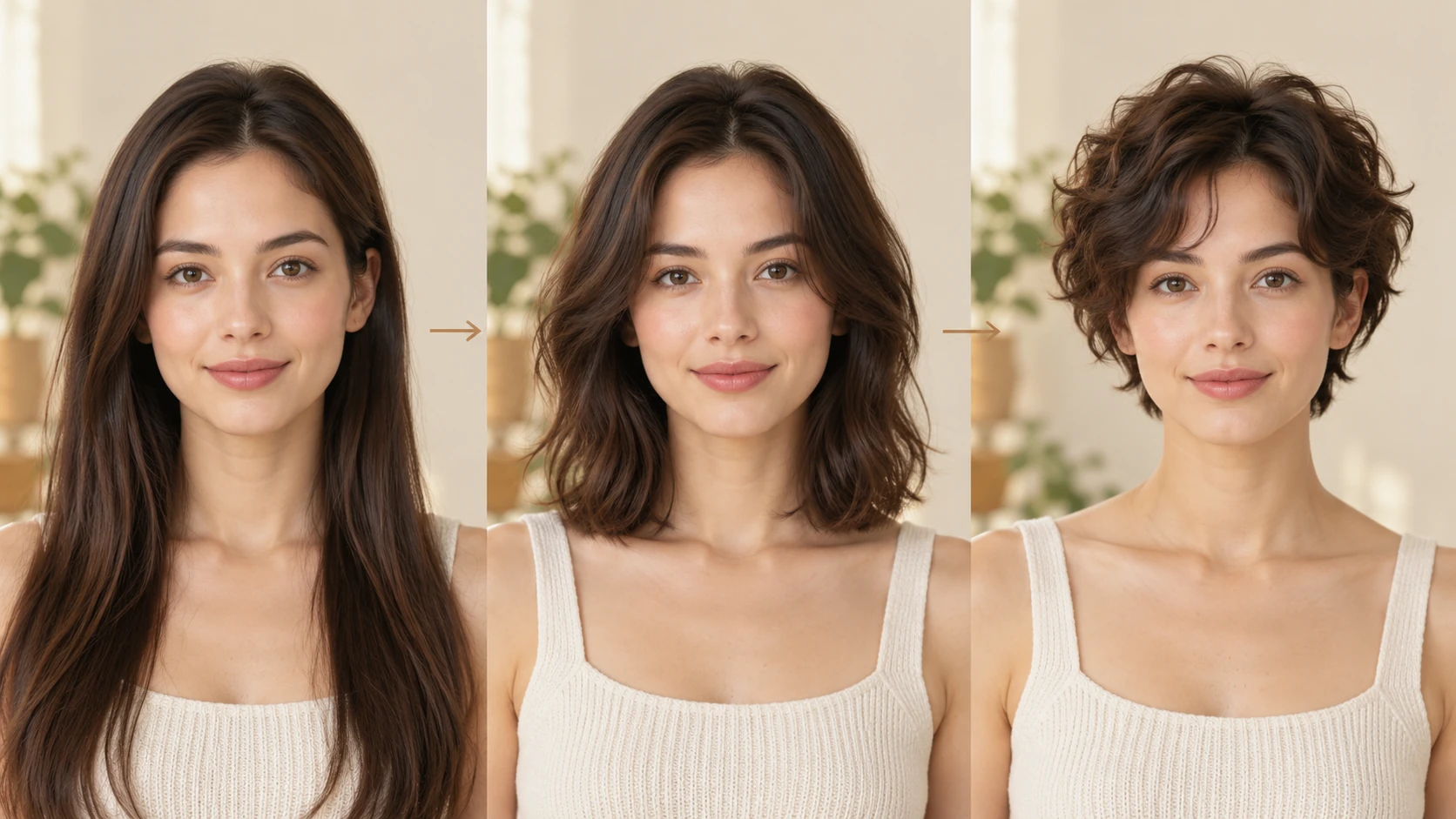
Choose a clear, well-lit portrait of an adult subject with the face and hairline visible. Note the current length and texture so your prompt changes are deliberate rather than vague. Prepare one reference image per direction you want to compare, and keep a written note of the original so review stays honest.
Length, fringe, texture and color are chosen in the prompt, so each preview reflects a written decision. That makes it easier to explain a direction to a client, editor or collaborator. You can revisit the wording in History and see which phrasing produced the version you preferred.
The prompt stays editable and the model controls sit alongside it. Adjust one variable at a time, such as fringe shape or texture, rather than rewriting everything. This keeps review practical: you can attribute a difference to a specific change instead of guessing why two images diverge.
The credit quote is displayed before generation, and account login ties jobs to your History. Current quote and account rules govern what you spend. History keeps past jobs available for comparison, which supports editorial decisions about which preview to keep, revise or discard.
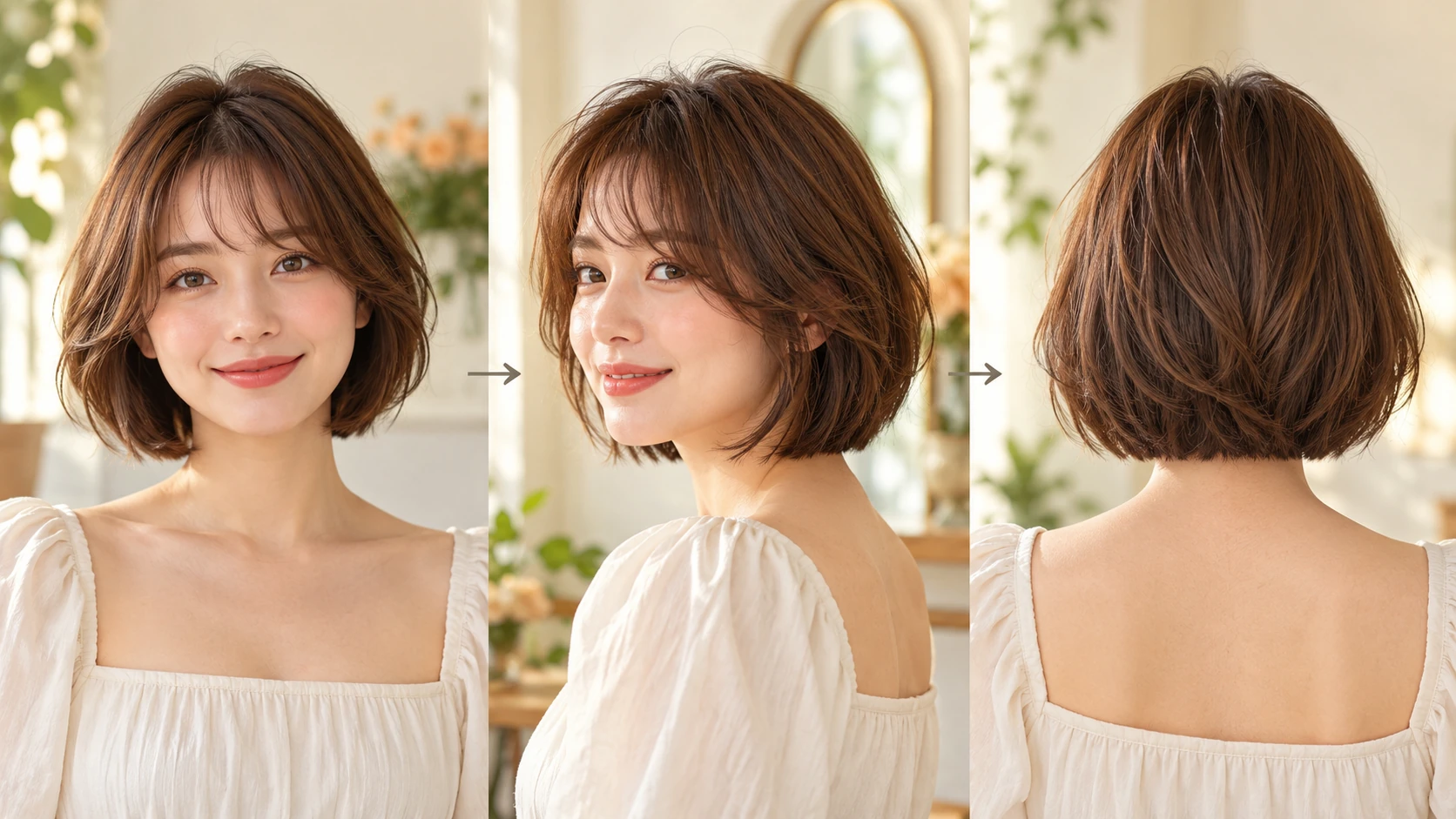
A stylist planning a seasonal lookbook can preview adult client directions with different fringe and texture choices, then shortlist the two that read best before booking a shoot.
A fiction creator can test hairstyle directions for an adult character across chapters, keeping the prompt wording in History so continuity notes stay consistent for later scenes.
A beauty educator preparing a lesson can generate comparison previews for length and color options, then choose which pair best explains the decision to students.
You can plan length, fringe, texture and color directions for an adult subject before a salon visit, shoot or character decision. The preview is a planning aid, not a guarantee of how a real cut will fall.
Use a clear adult portrait with the face and hairline visible and even lighting. Avoid heavy filters, hats or extreme angles. A simple reference gives the prompt a better chance of producing a comparable direction across versions.
Name length, fringe, texture and color in concrete terms, then change one element at a time. Short, specific wording is easier to review in History than a long paragraph mixing several ideas, and it makes later comparisons more useful.
A preview is an illustration of a direction, not a measured prediction. Lighting, face shape and real hair behavior can differ. Treat results as decision support, and confirm practical details with a qualified professional before committing.
Choose Text to Image for a new hairstyle preview made entirely from your description; it uses no uploaded reference. Choose Image to Image when one photo should guide the person, subject or composition. Select the mode first so the visible inputs match your intention.
You can prepare the hairstyle preview before submitting. To generate, check your signed-in account’s current credits and the selected model’s access conditions. If the available balance covers the displayed quote, you can proceed without buying more; no fixed free quota is promised.
Your hairstyle preview has a live credit quote based on the model and settings you choose. Check it before submitting. Editing the description or reviewing an idea does not start a job; submitting another generation creates a separately quoted attempt.
Use the estimate and progress shown for the submitted hairstyle preview job. Model choice, settings and queue conditions affect waiting. Check History for the completed image, and keep the existing task in progress instead of resubmitting the same request while you wait.
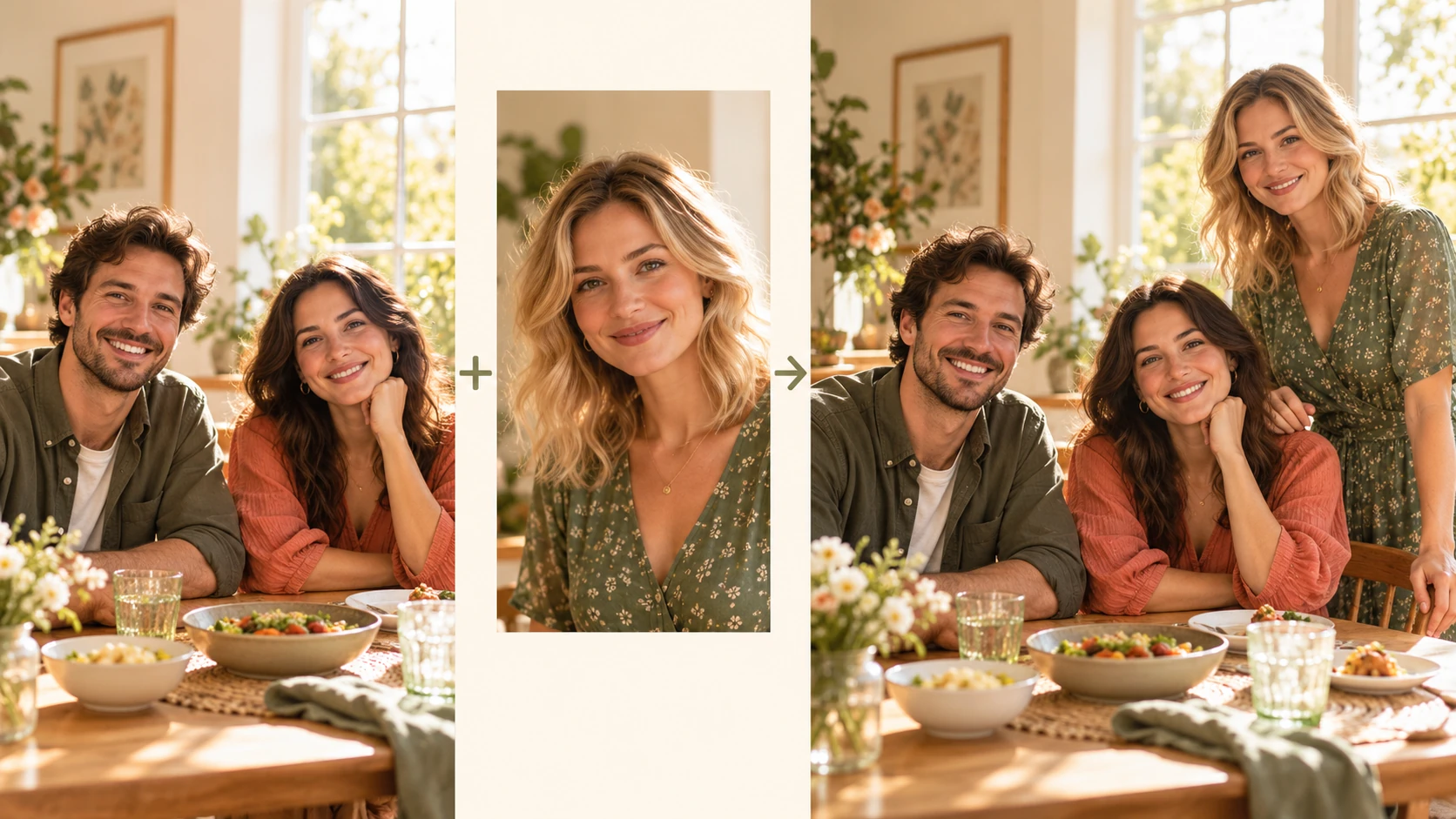
Explore Add People To Photo for a different visual direction. This guide explains its input, practical steps and the details to review.
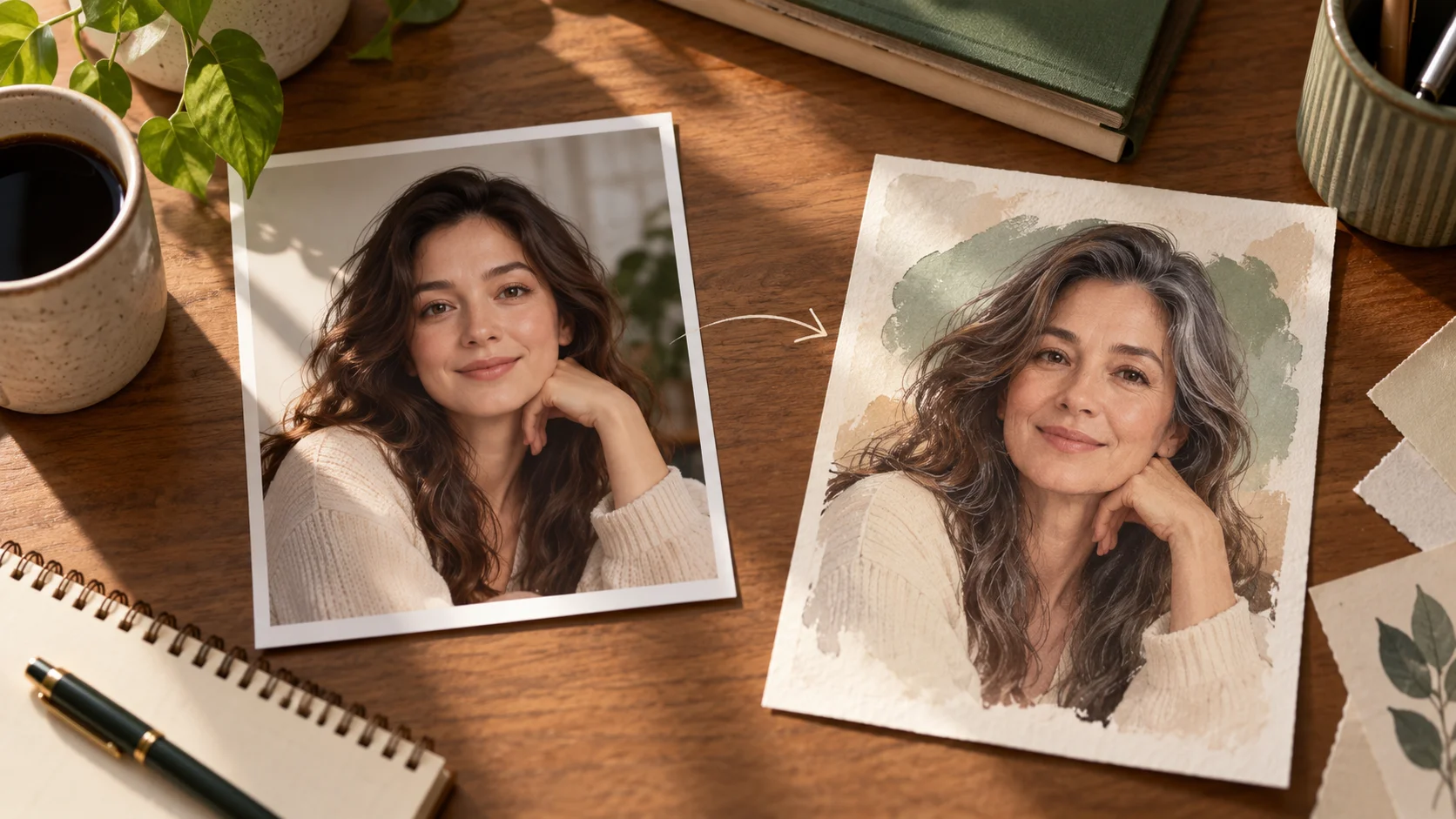
Explore AI Age Checker for a different visual direction. This guide explains its input, practical steps and the details to review.
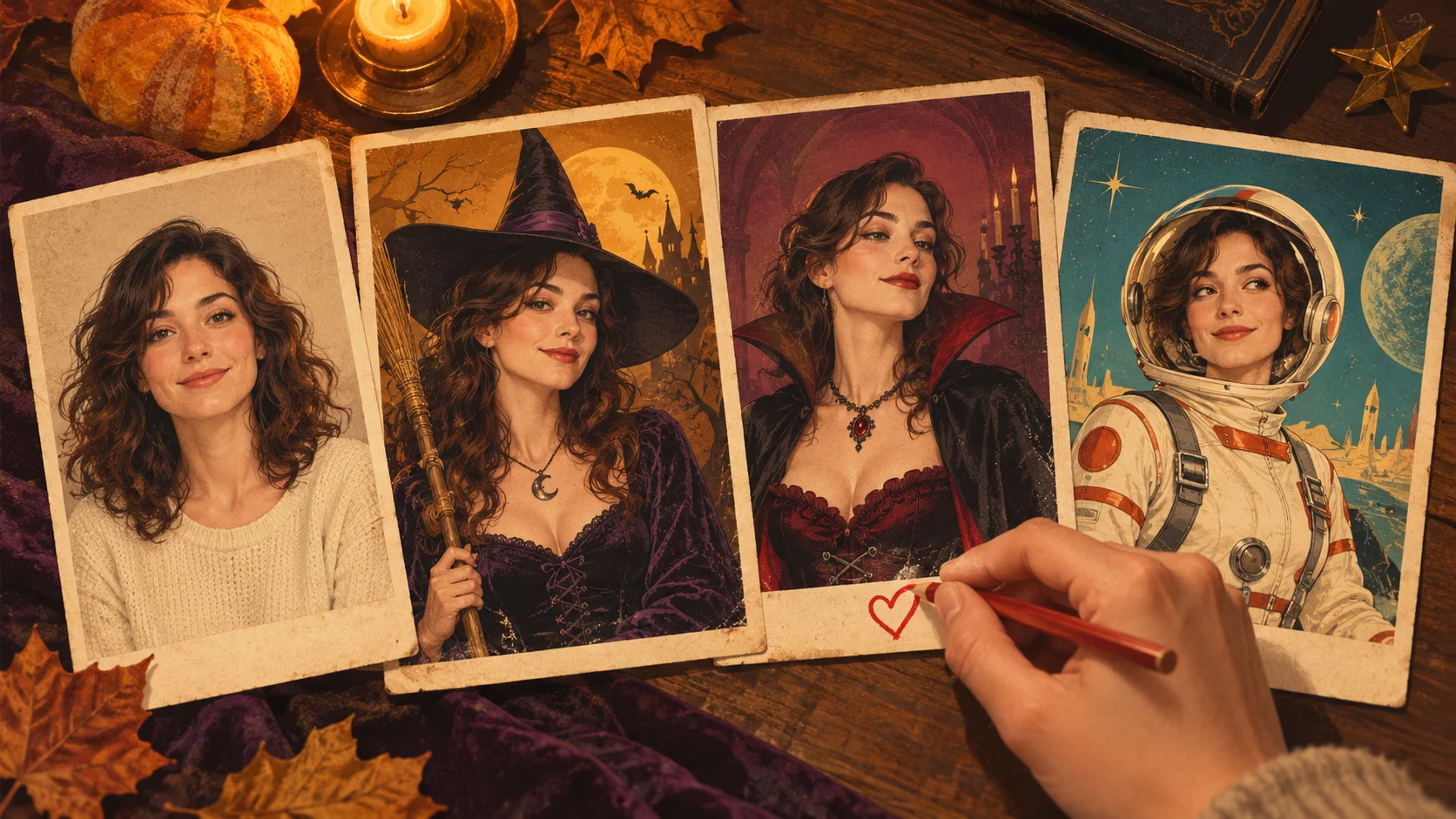
Explore AI Halloween Costume for a different visual direction. This guide explains its input, practical steps and the details to review.
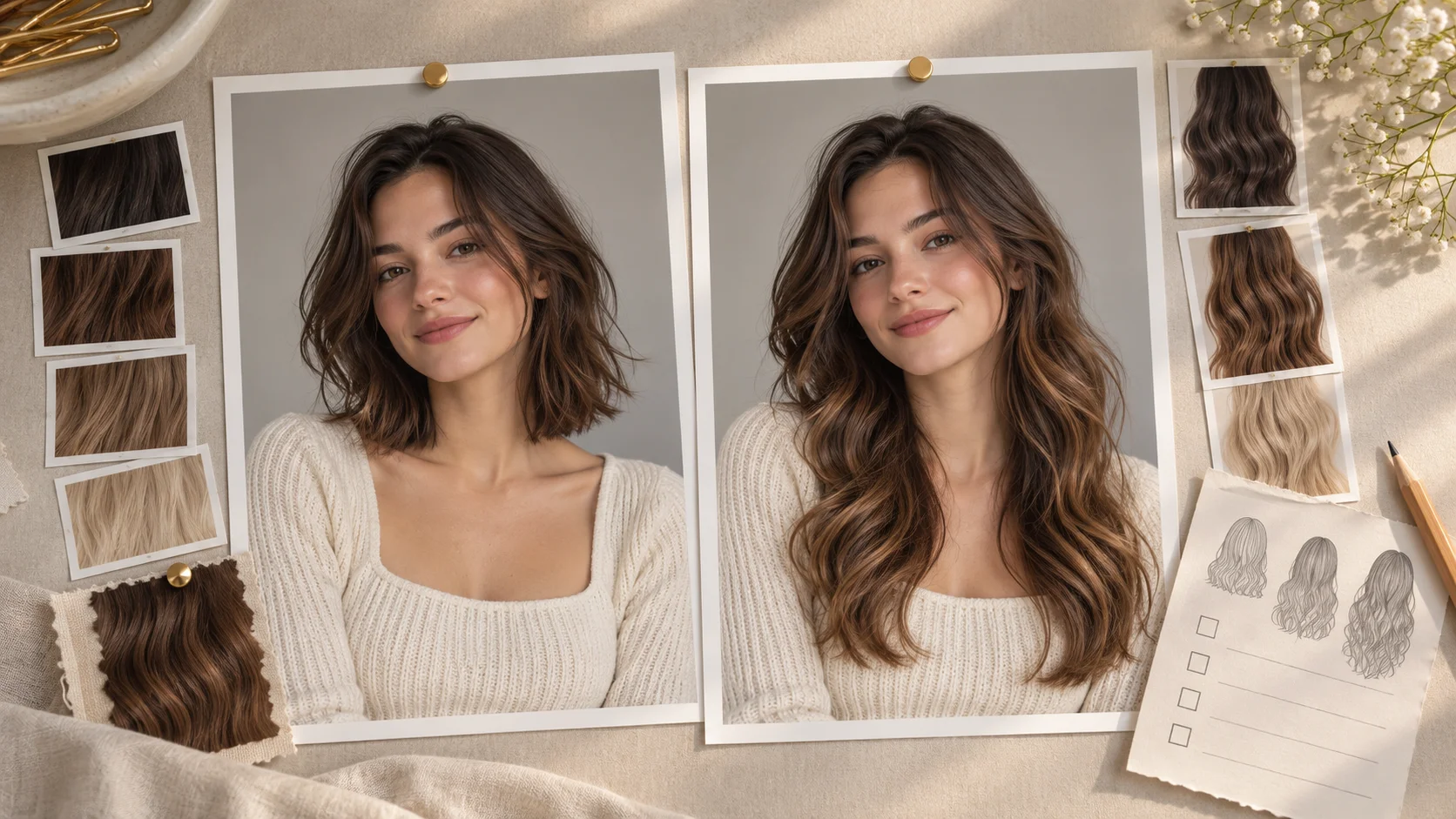
Explore AI Long Hair Filter for a different visual direction. This guide explains its input, practical steps and the details to review.
Use the result to choose a direction, then check the details that matter at your intended viewing size. Prepare the hairstyle preview, read the current quote and submit when the direction is clear.
Create a hairstyle previewtry-nanobanana.com · Updated