What is AI Age Checker?
This AI Age Checker creates a stylized appearance-age impression from an adult portrait. Try it for cast a character-reference card, with your own setting and a clear visual intention.

a practical portrait or design study

This AI Age Checker creates a stylized appearance-age impression from an adult portrait. Try it for cast a character-reference card, with your own setting and a clear visual intention.
Choose Text to Image or Image to Image, prepare the matching inputs and describe one useful direction. Check the settings and quote, then submit and review the result in History.
Check your current account credits and the selected model’s access conditions. When the available balance covers the quoted job, you can generate without buying more credits.
Choose one evenly lit adult portrait with a visible face and natural skin detail. Avoid a heavily filtered image.
Read the live credit quote for the selected model and settings before submitting your creative age-impression portrait. Preparing inputs or editing a description does not start a generation.
Follow the submitted job’s estimate and progress. The model, settings and queue affect waiting; History keeps the completed image available for review and download.
This AI Age Checker creates a stylized appearance-age impression from an adult portrait. Use it to explore how clothing, hair, lighting and setting change the way a fictional character reads. On Try Nano Banana, approach it as a practical portrait or design study: clear preparation and a polished visual finish. Use the result to choose a direction, then check the details that matter at your intended viewing size.
Create an AI Age Checker card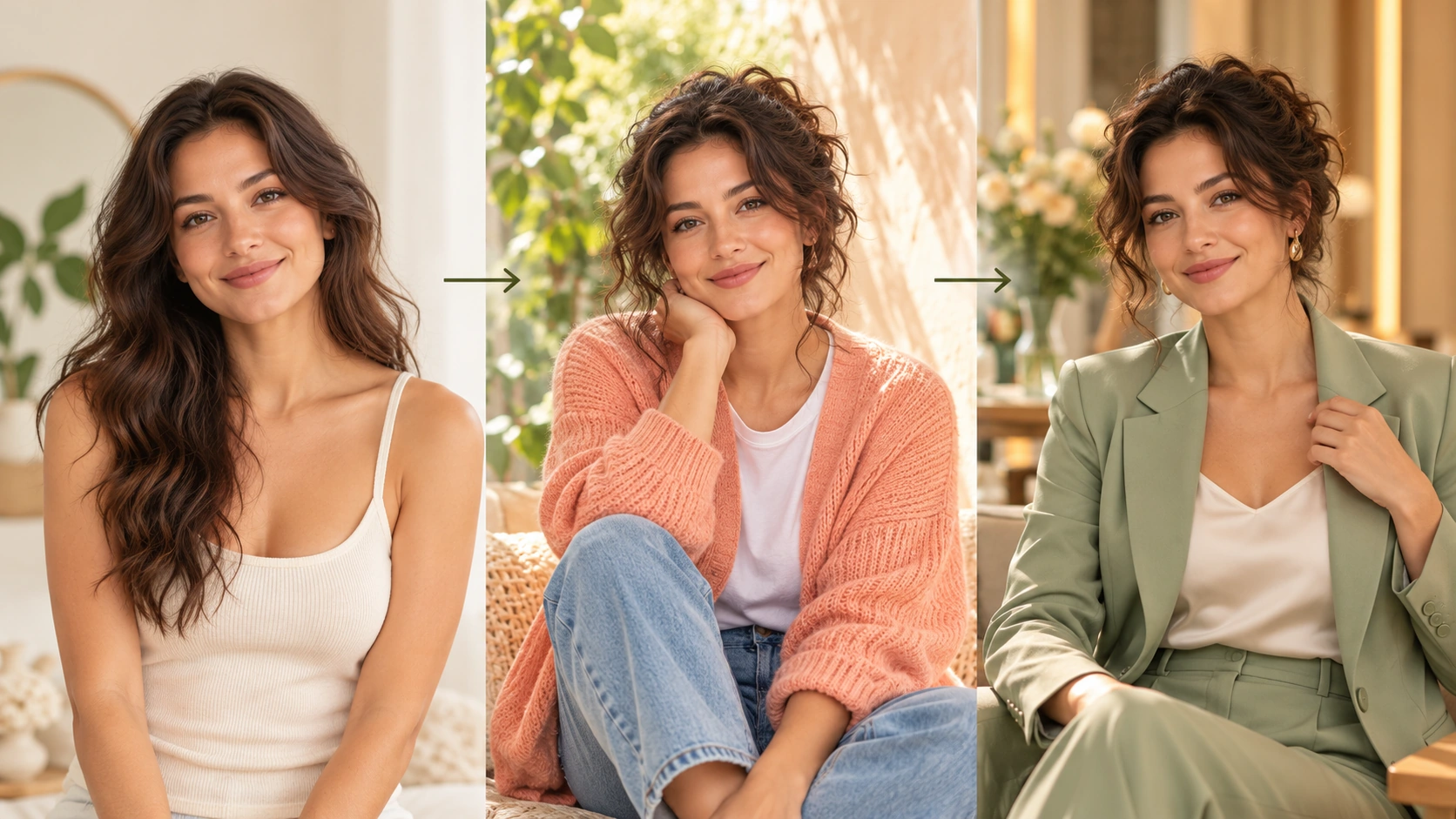
Prepare a clear subject and a focused direction before submitting a generation. Use an adult portrait you have rights to use and keep the original file unchanged.
Write a short prompt describing the card style and tone. Use the available model controls to match the editorial look you want. Keep expectations realistic: the result is an approximate age impression, not a measurement. Decide what the card should communicate before you generate, so review stays focused.
Check the displayed live credit quote before starting. After generation, open History to compare versions and note which card fits the story. Review for tone, clarity, and suitability to share. Keep the entertainment framing visible. Do not present the card as a factual age assessment or identity check.
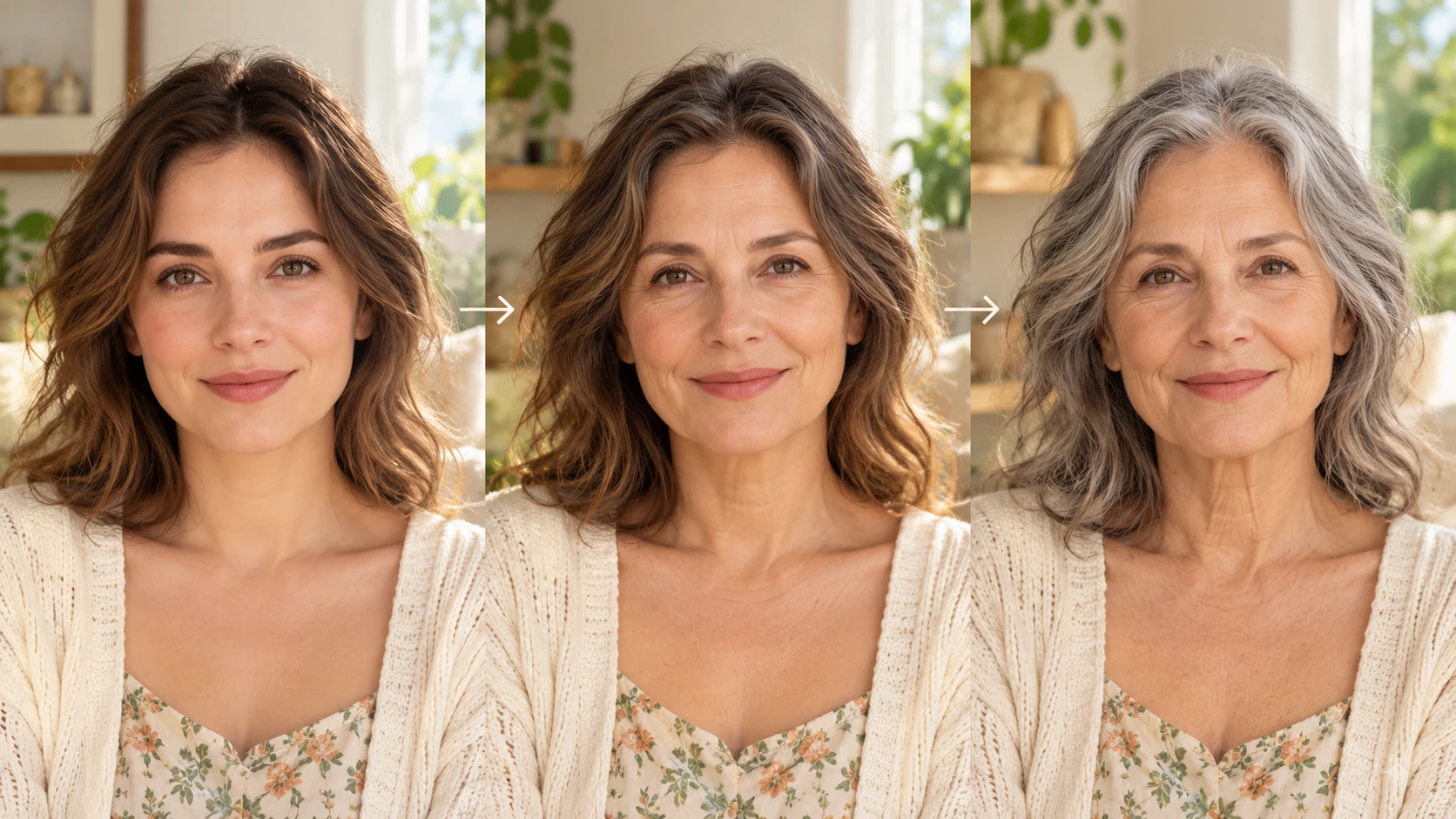
Choose a clear adult portrait with a simple background and even light. Crop distractions and confirm you have permission to use the image. Save a copy before uploading so your original stays untouched. The tool works from this reference, so a sharp, honest source image gives a more coherent stylized card.
The generator produces a stylized impression of approximate appearance age from an adult portrait. It is designed for editorial illustration and creative discussion. It is not a validated estimator, so treat every card as a visual prompt rather than a measured claim. Use it to support a scene, not to settle an age question.
Adjust the prompt to describe card format, mood, and visual treatment. Model controls help you steer the look without adding roles or presets the tool does not offer. Save strong directions in your notes and compare results across generations. This keeps the process repeatable for a series of planned editorial images.
See a live credit quote before generating so cost is clear. Generation jobs run in the account, and History keeps prior cards for review. Compare outcomes, pick the version that suits your article, and document why.
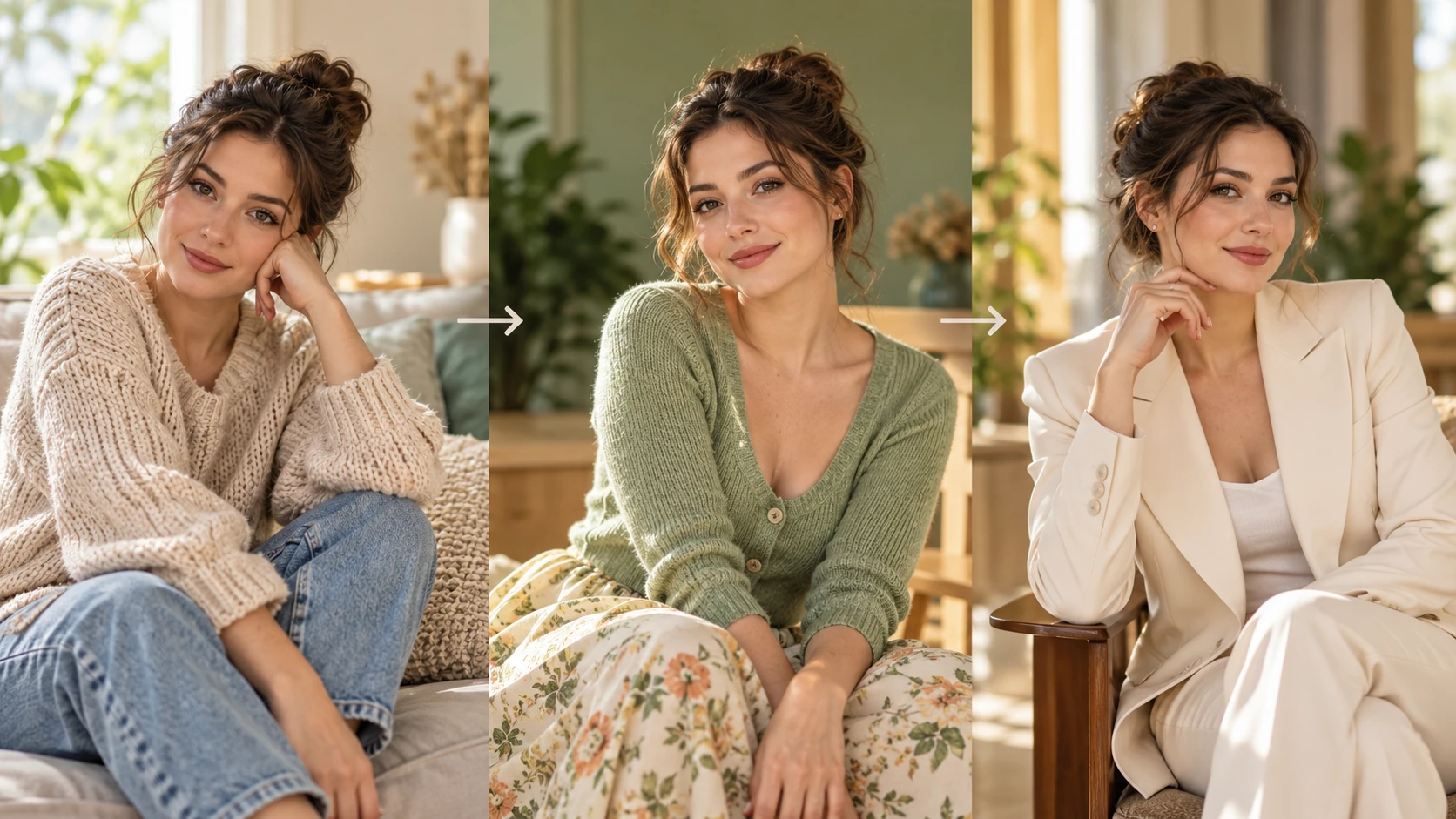
A fiction editor needs an appearance-age card for a character mood board. Generate a stylized impression from an adult portrait, review options in History, and share the chosen card with the design team as a visual reference, clearly labeled as entertainment.
A culture writer plans a piece about how people read age in portraits. Use the AI Age Checker to create illustrative cards that open the discussion, then pair them with expert commentary. Keep captions explicit that the cards are creative impressions, not assessments.
A social editor drafts a teaser about age perception in film casting. Generate a card, compare it with the original portrait, and decide whether the contrast is clear enough to share. Note the entertainment framing in the post and avoid any numeric age claim.
It creates a stylized appearance-age impression from an adult portrait for entertainment and editorial planning. It does not perform identity checks, factual age verification, or medical assessment. Treat the card as a creative visual, not a validated result.
A clear adult portrait with even lighting and a simple background works best. Crop away distractions and confirm permission to use the image. A sharp source supports a coherent stylized card, but the output remains an approximate impression rather than a measurement.
Yes. Write an editable prompt that describes the desired card treatment and use the available model controls to guide the look. The tool does not offer sliders, presets, or role swapping beyond what is shown. Keep directions short and specific for cleaner review.
No. The output is a generic image-model impression, not a validated age estimator. There are no accuracy percentages, measurement scores, or guaranteed numeric correctness. Use the card for illustration and discussion, and label it clearly when sharing.
Choose Text to Image for a new creative age-impression portrait made entirely from your description; it uses no uploaded reference. Choose Image to Image when one photo should guide the person, subject or composition. Select the mode first so the visible inputs match your intention.
You can prepare the creative age-impression portrait before submitting. To generate, check your signed-in account’s current credits and the selected model’s access conditions. If the available balance covers the displayed quote, you can proceed without buying more; no fixed free quota is promised.
Your creative age-impression portrait has a live credit quote based on the model and settings you choose. Check it before submitting. Editing the description or reviewing an idea does not start a job; submitting another generation creates a separately quoted attempt.
Use the estimate and progress shown for the submitted creative age-impression portrait job. Model choice, settings and queue conditions affect waiting. Check History for the completed image, and keep the existing task in progress instead of resubmitting the same request while you wait.
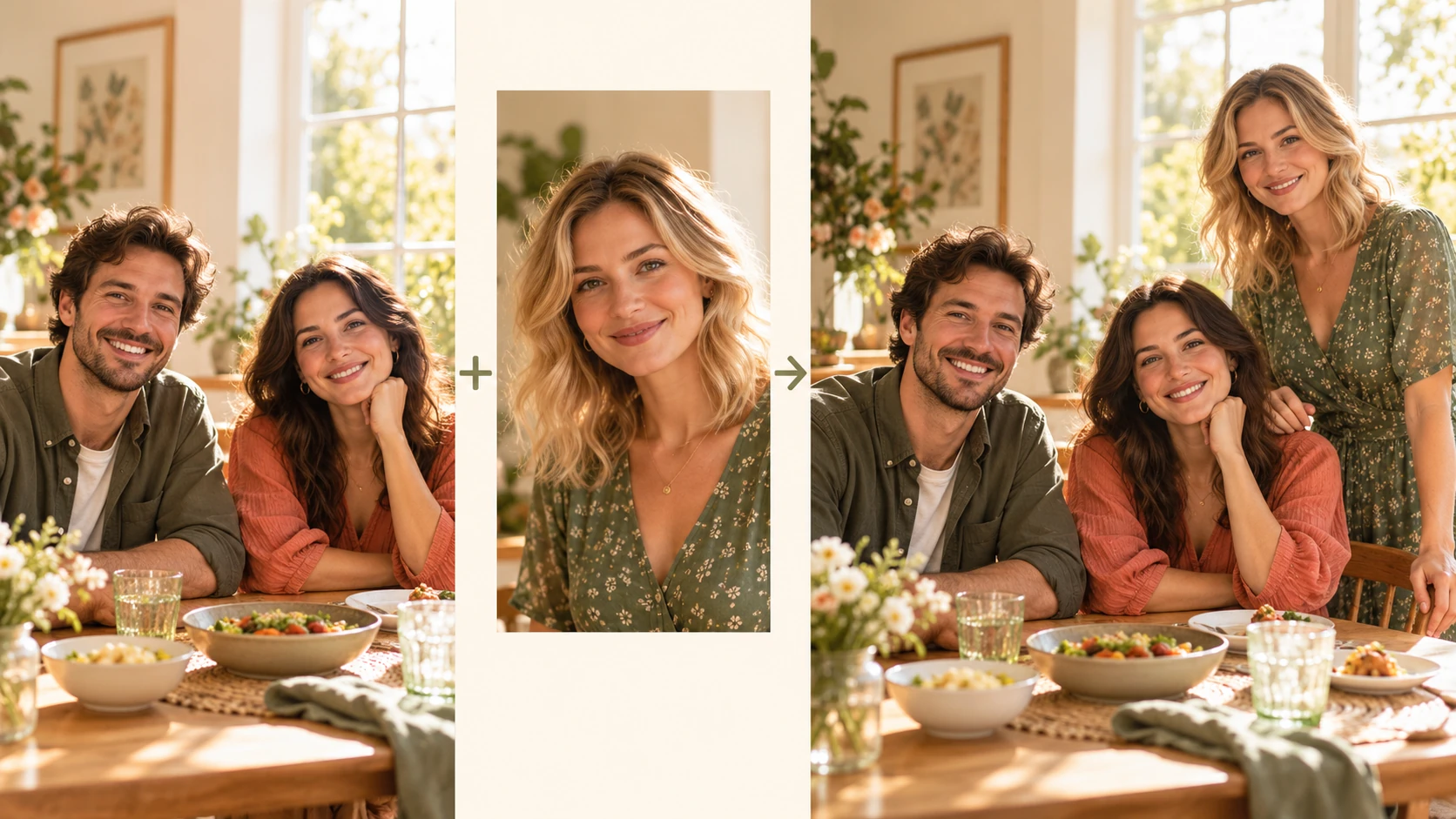
Explore Add People To Photo for a different visual direction. This guide explains its input, practical steps and the details to review.
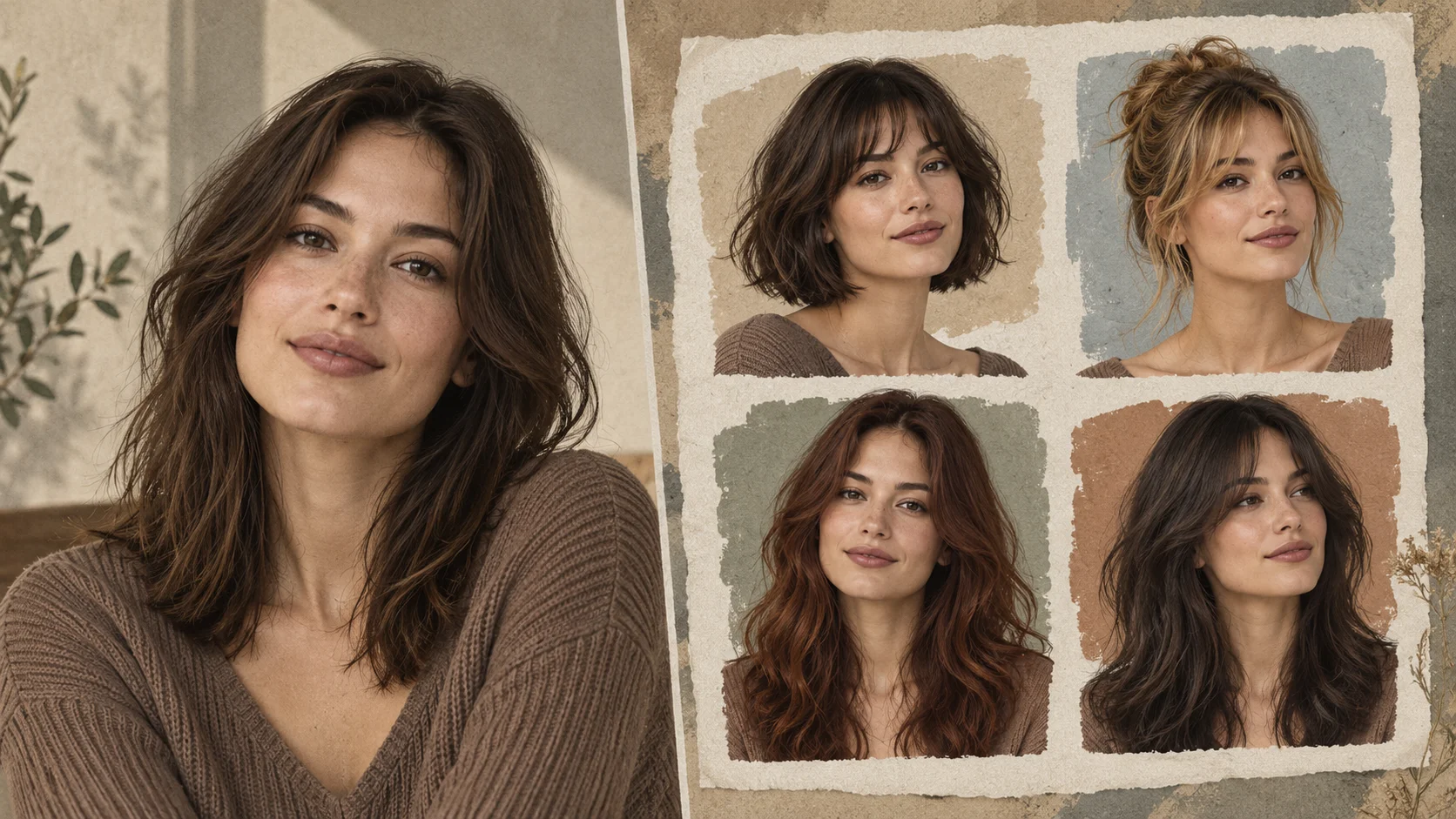
Explore AI Hairstyle Online Free for a different visual direction. This guide explains its input, practical steps and the details to review.
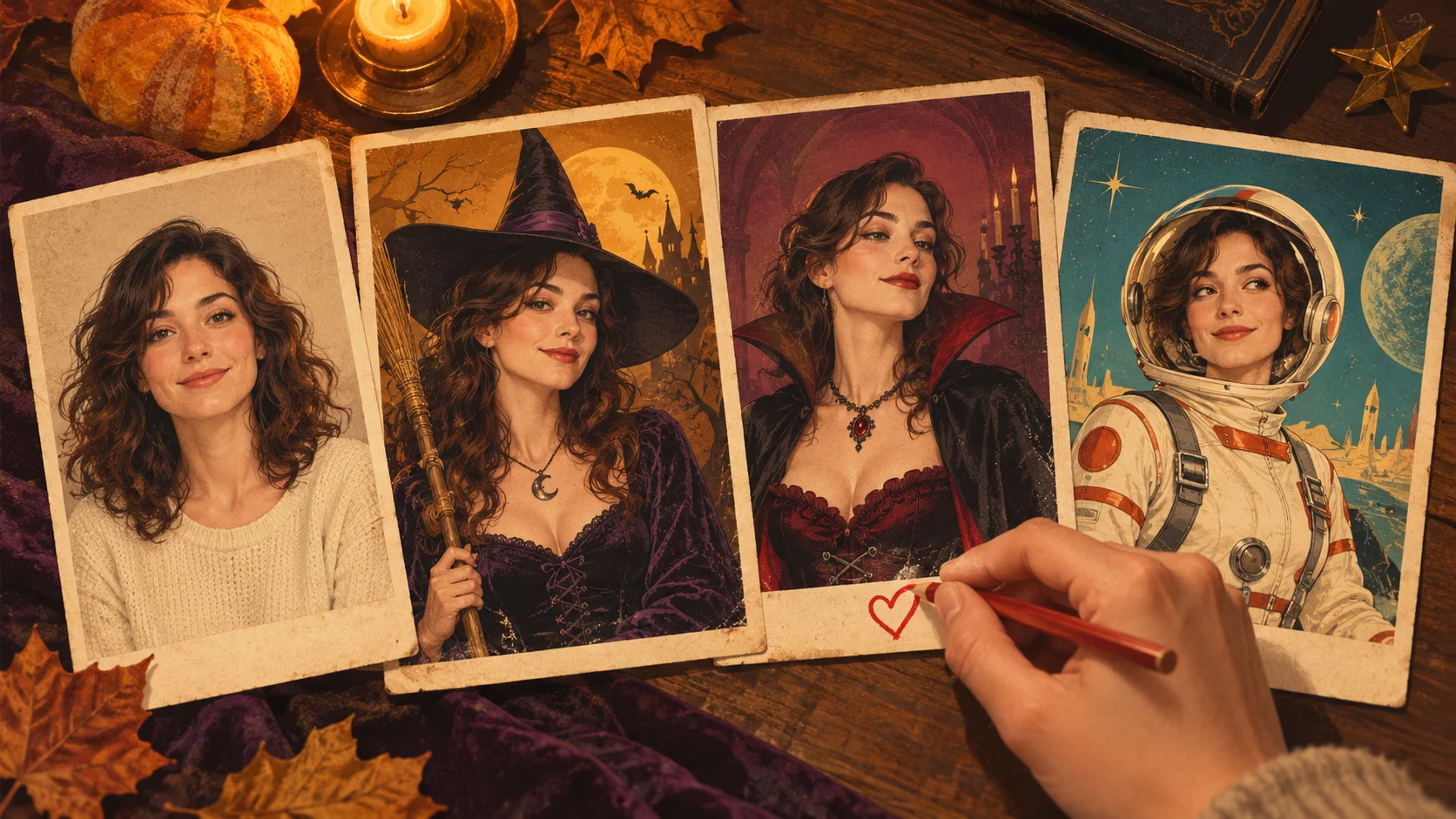
Explore AI Halloween Costume for a different visual direction. This guide explains its input, practical steps and the details to review.
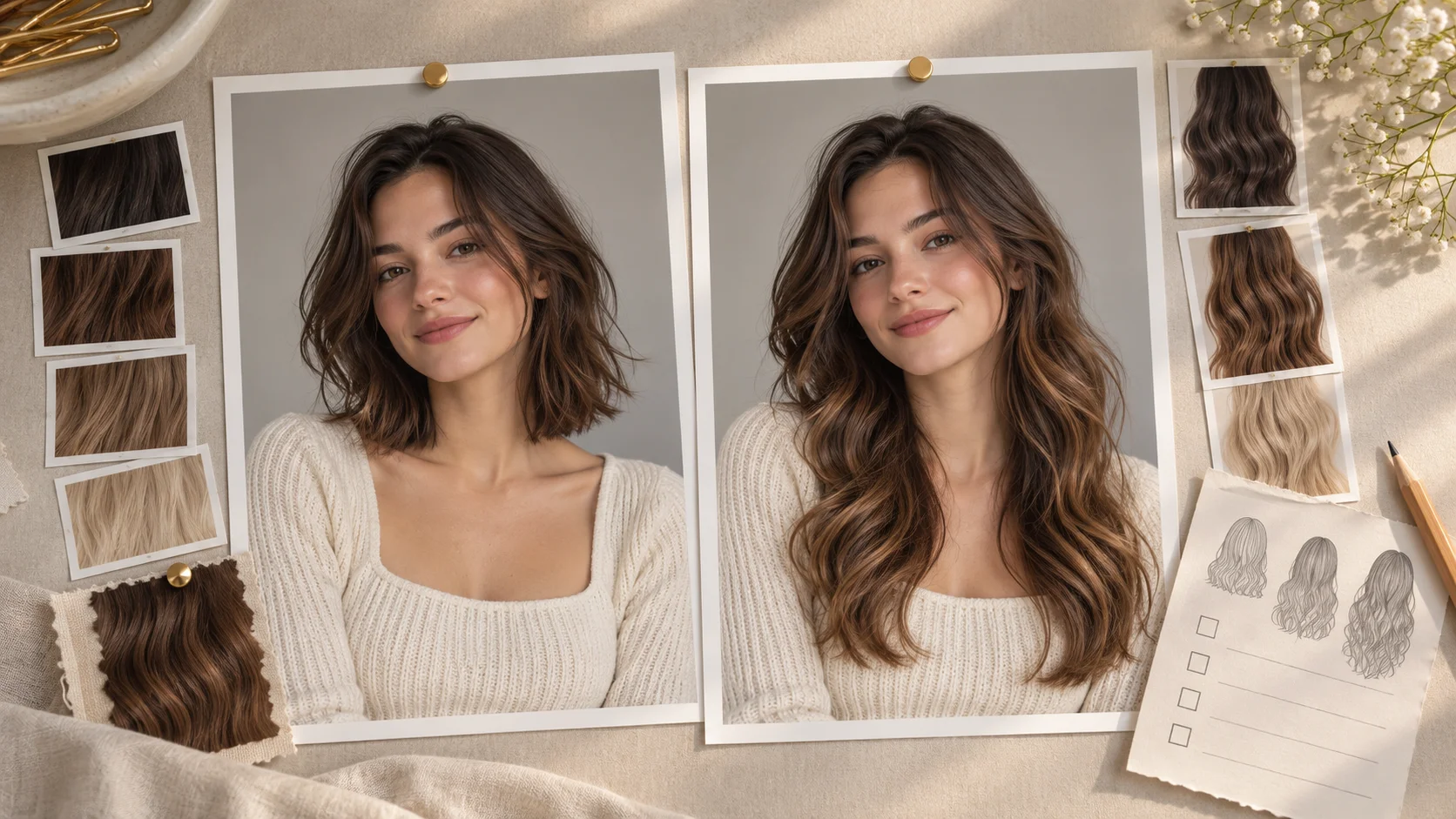
Explore AI Long Hair Filter for a different visual direction. This guide explains its input, practical steps and the details to review.
Use the result to choose a direction, then check the details that matter at your intended viewing size. Prepare the creative age-impression portrait, read the current quote and submit when the direction is clear.
Create an AI Age Checker cardtry-nanobanana.com · Updated