Choose a clean portrait
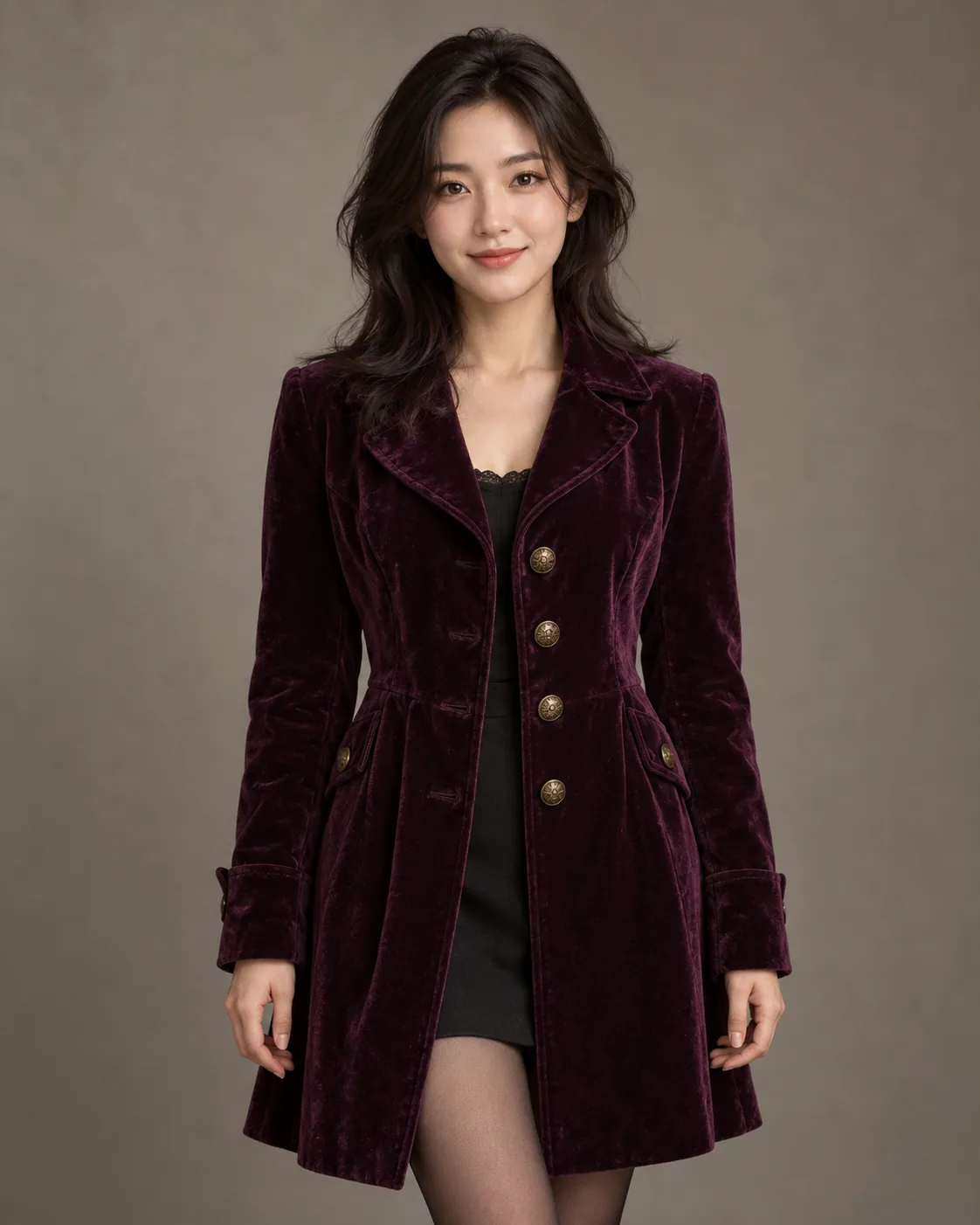
Upload one portrait with the head, shoulders, clothing and hands visible. Avoid heavy filters so the original pose remains easy to interpret.

A Halloween portrait with one clear photo
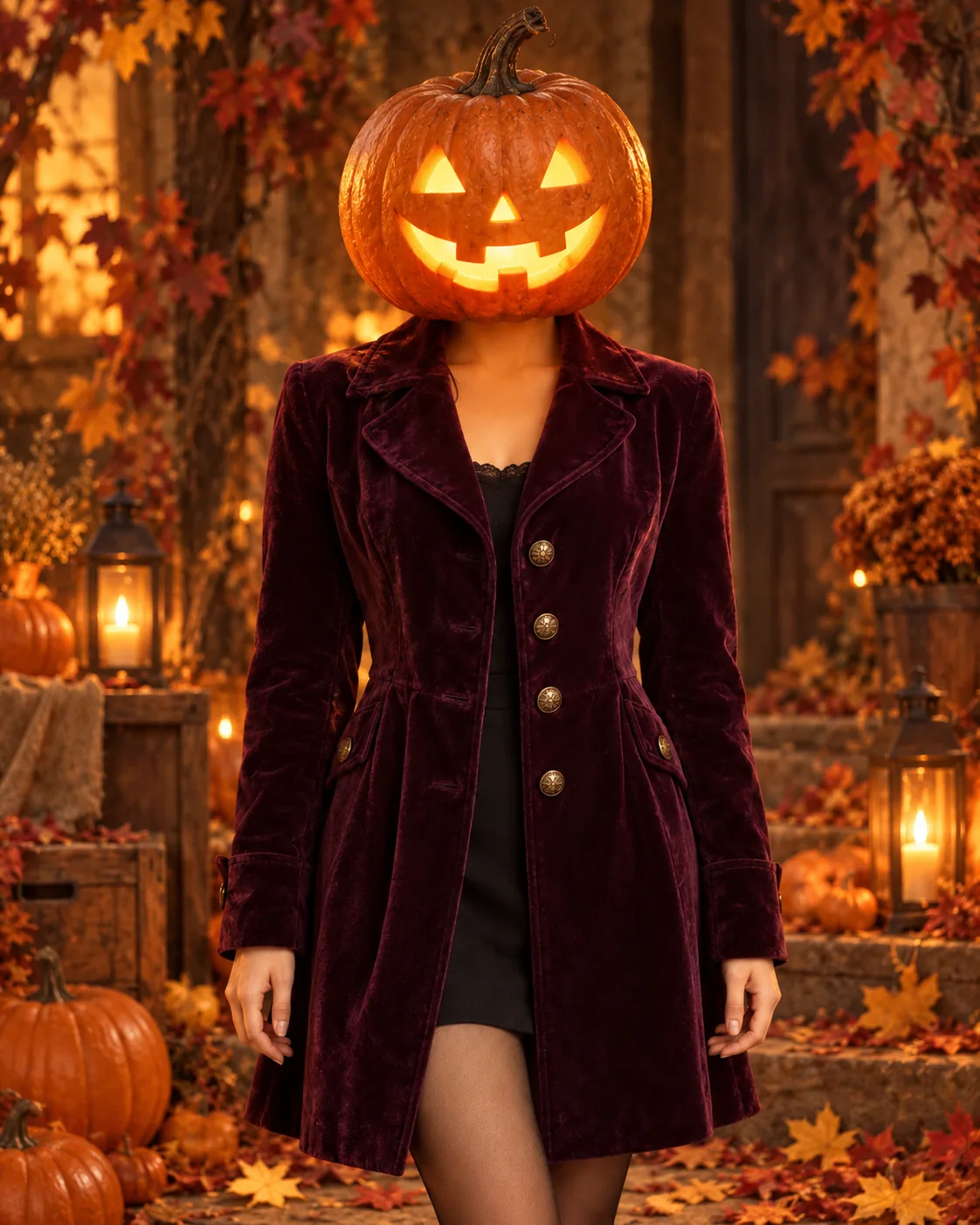
Start with a portrait that shows your outfit and pose, then explore a carved pumpkin head as the new focal point. Try Nano Banana turns your reference into a seasonal photo concept while you direct the lighting, expression and setting. Review each picture before choosing a social crop or profile image.
Start creatingUpload one portrait with the head, shoulders, clothing and hands visible. Avoid heavy filters so the original pose remains easy to interpret.
Ask for a cozy amber studio, a moonlit garden or a maple-tree setting. Keep the garment and camera angle named in the brief if those details matter.
Check the neck transition, coat buttons, hands and light direction at full size. Revise one part of the instruction before generating another version.
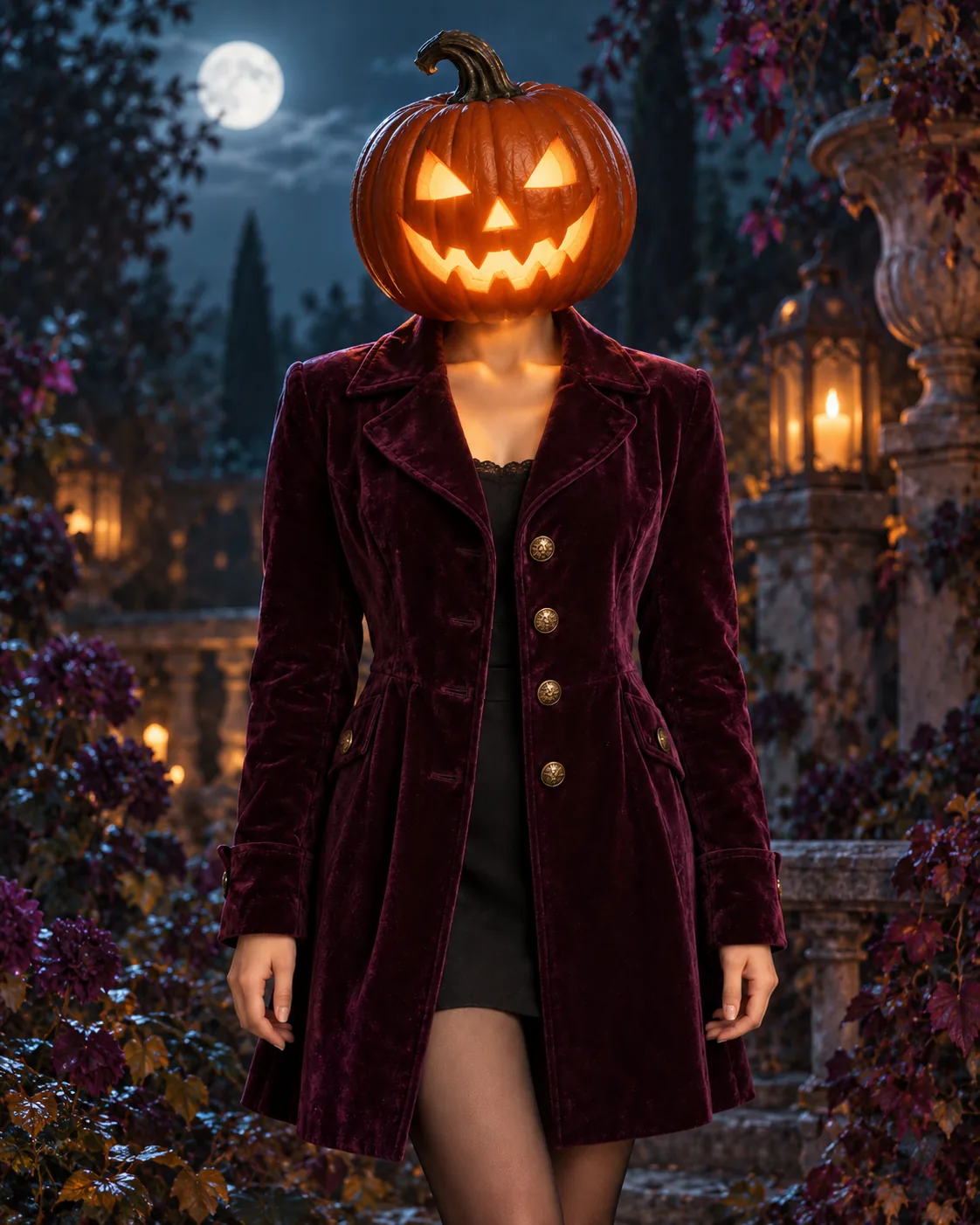
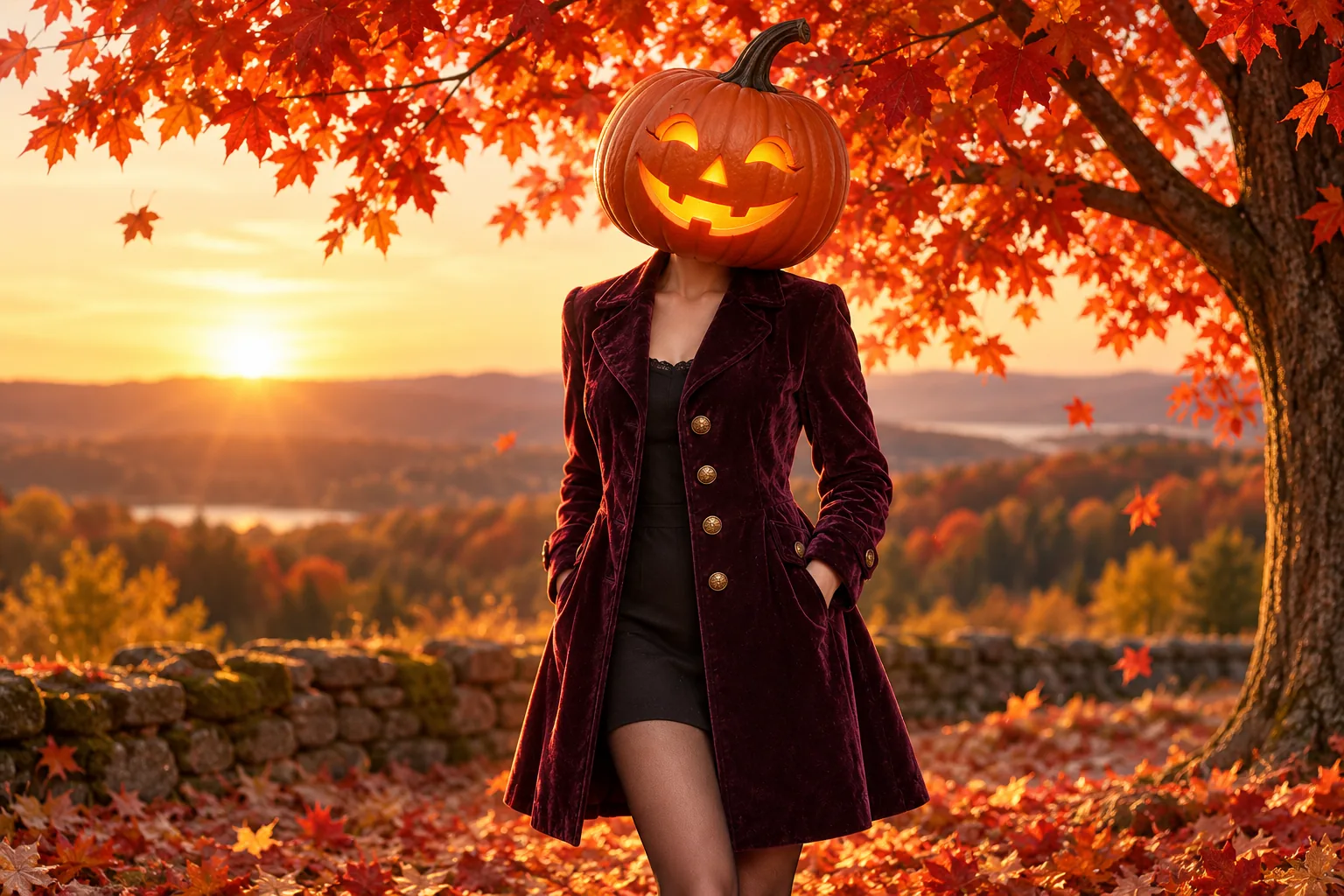
A close crop can work as a Halloween profile image; the wide maple scene suits a seasonal cover. Compare both at the size where people will see them. Keep the uploaded portrait private to your own creation workflow and use the results from History for your next choice.
Image to Image uses one portrait as the pose and wardrobe reference. In Text to Image mode, you can begin from words without uploading a picture.
Name the coat, hands, framing and camera angle in your prompt. Inspect the generated image because a text instruction cannot guarantee exact preservation.
Yes. Describe a single setting such as a moonlit garden or an amber studio so the lighting direction remains coherent.
The live generator shows the current credit quote for the selected model before submission. Check that quote and your balance first.
The model and queue affect timing. Follow the task in History for its actual status.
try-nanobanana.com · Updated